Best AI Tools to Summarize YouTube Videos in 2026
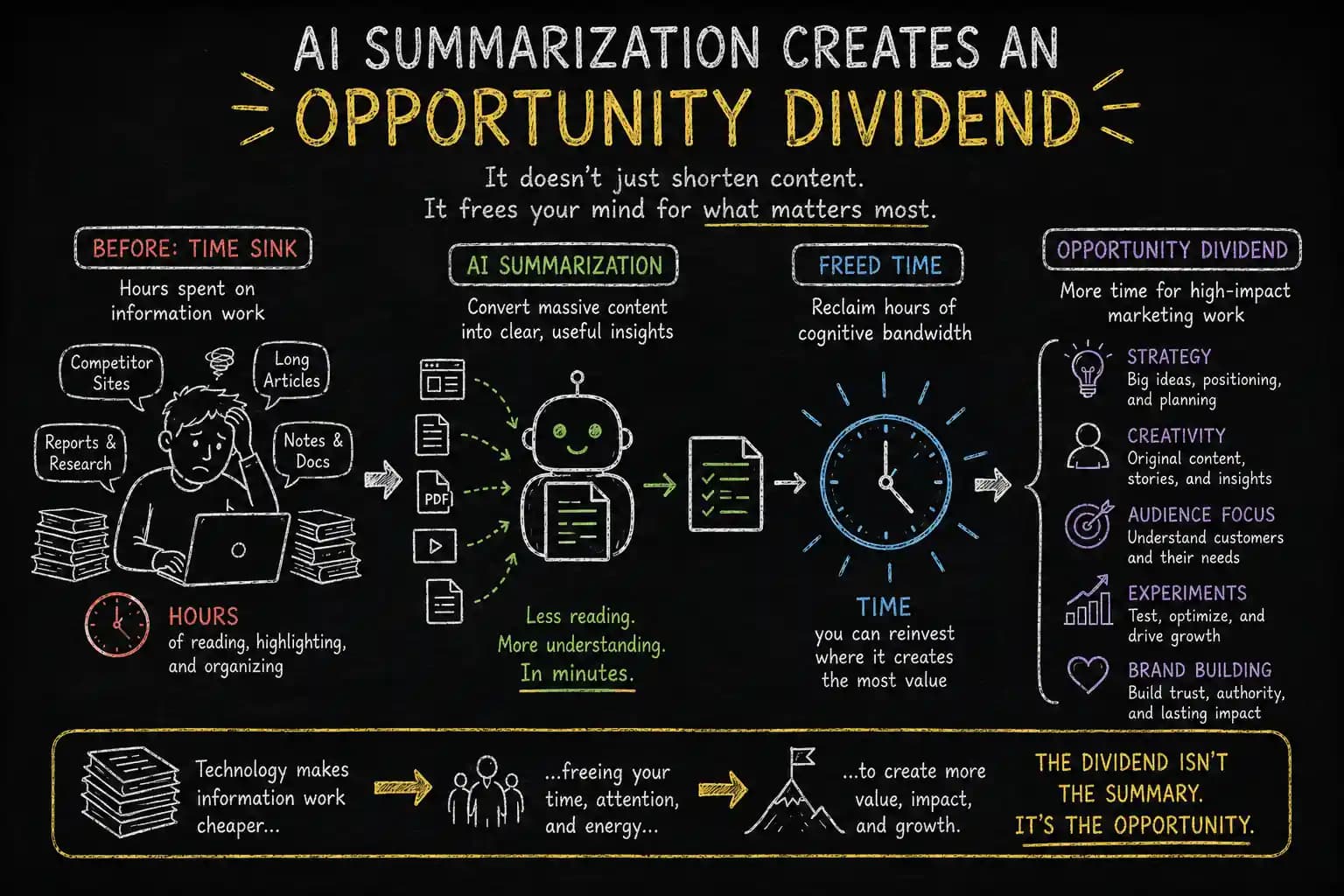
Every minute, YouTube hosts hundreds of hours of new long-form video content, podcasts, interviews, and lectures, hopefully, filled with great ideas. Sometimes, you just need the key points: the six ideas that matter, preferably with timestamps attached so they can verify the source and recover the surrounding context when something deserves a closer look.
Instead of excavating tiny nuggets of insight from a cinematic avalanche of jump cuts, dramatic music, and a YouTuber treating every sentence like they're announcing the moon has exploded, an AI video summarizer turns hours of attention-hijacking spectacle into a concise YouTube video summary that gets to the point before your popcorn goes stale.
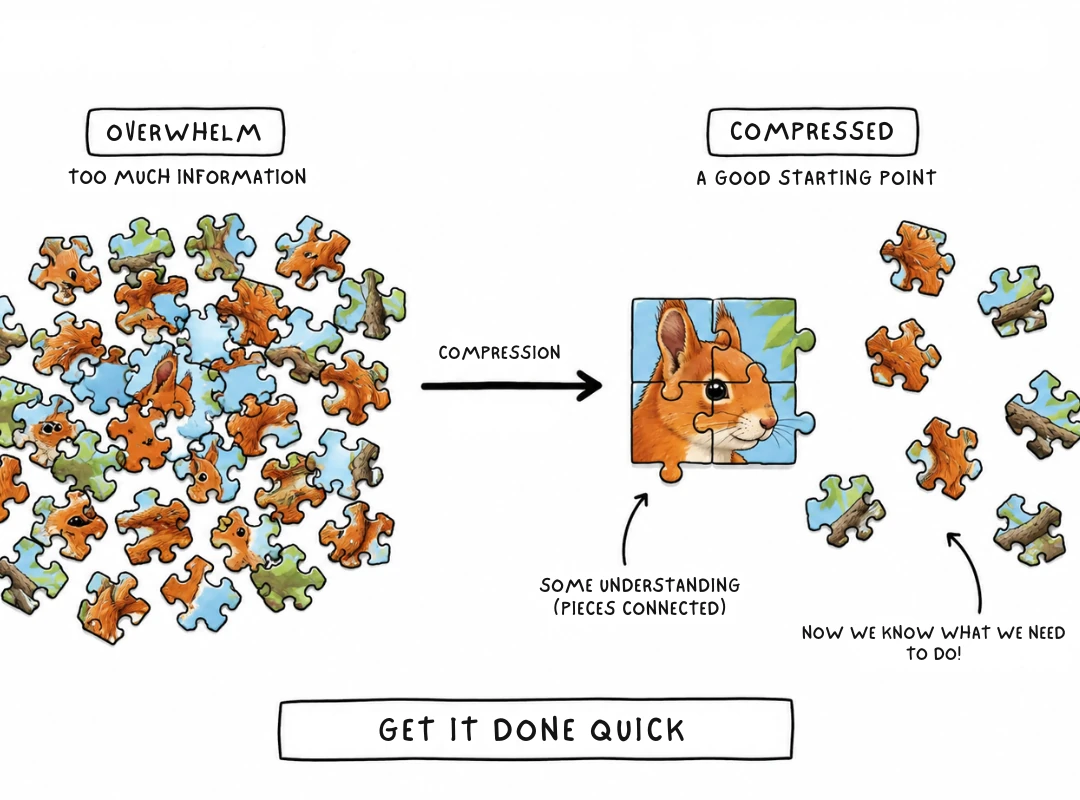
The best tools go beyond simple information compression, preserving:
- timestamps
- structure
- context
- relationships between ideas
...rather than flattening everything into a generic paragraph with bullet points.
So, which is the best AI YouTube summarizer in 2026?
This guide compares and ranks the best AI tools to summarize YouTube videos in 2026, looking at:
- summary accuracy
- timestamp fidelity
- structured output
- context preservation
- information extraction
- video analysis
Saving time is useful, albeit without losing the meaning.
What Is an AI YouTube Video Summarizer?
Most AI video summary tools follow the same workflow:
- Paste a YouTube URL
- Extract or fetch the transcript, captions, or available subtitles
- Process that text with an LLM
- Compress the content into notes, bullets, timestamps, or a short summary
The important part is how the tool organizes those ideas into structured notes with timestamps and source context like:
- quotes
- themes
- data points
- concepts
...turning a video into something you can easily navigate, verify, and reuse later.
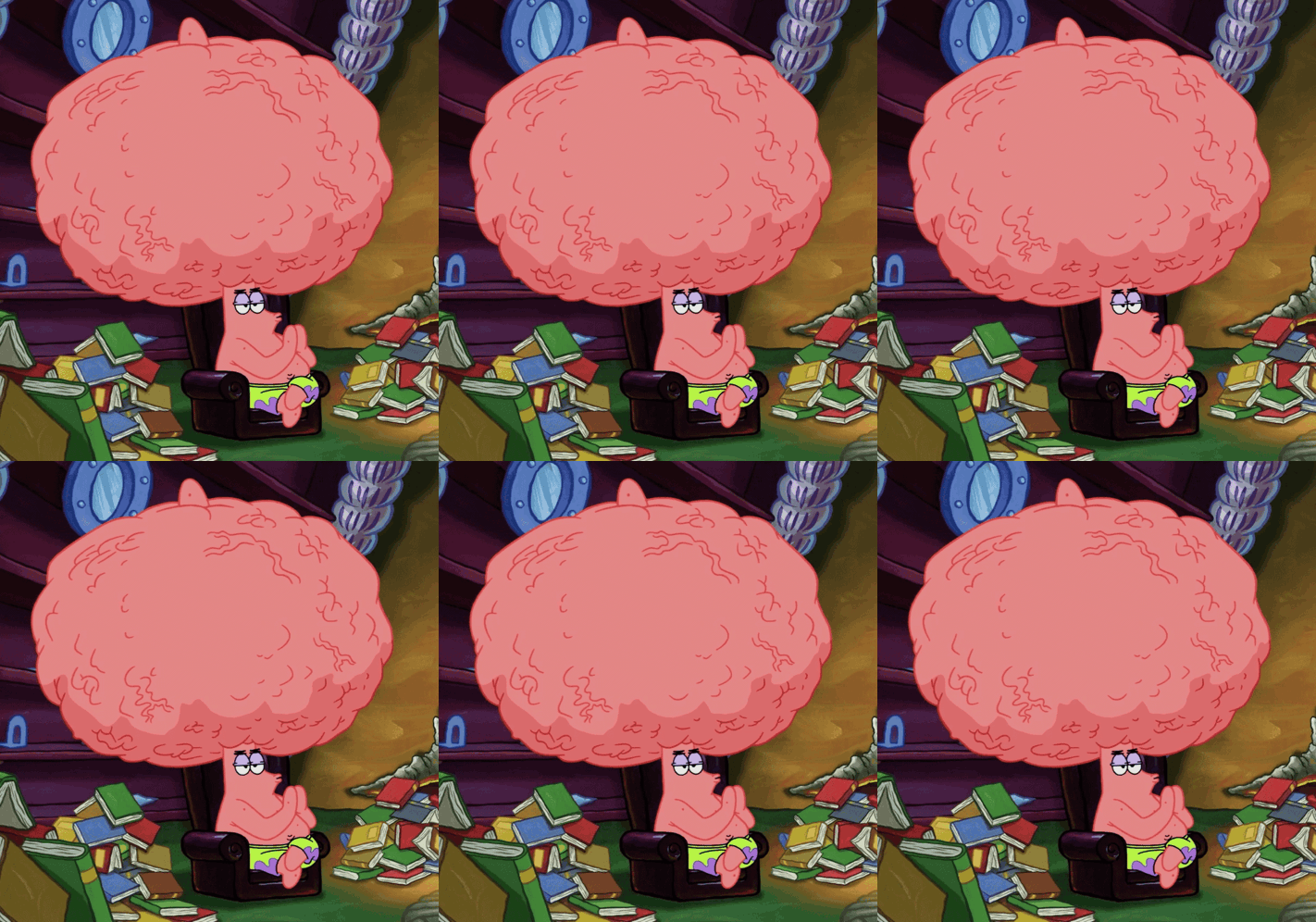
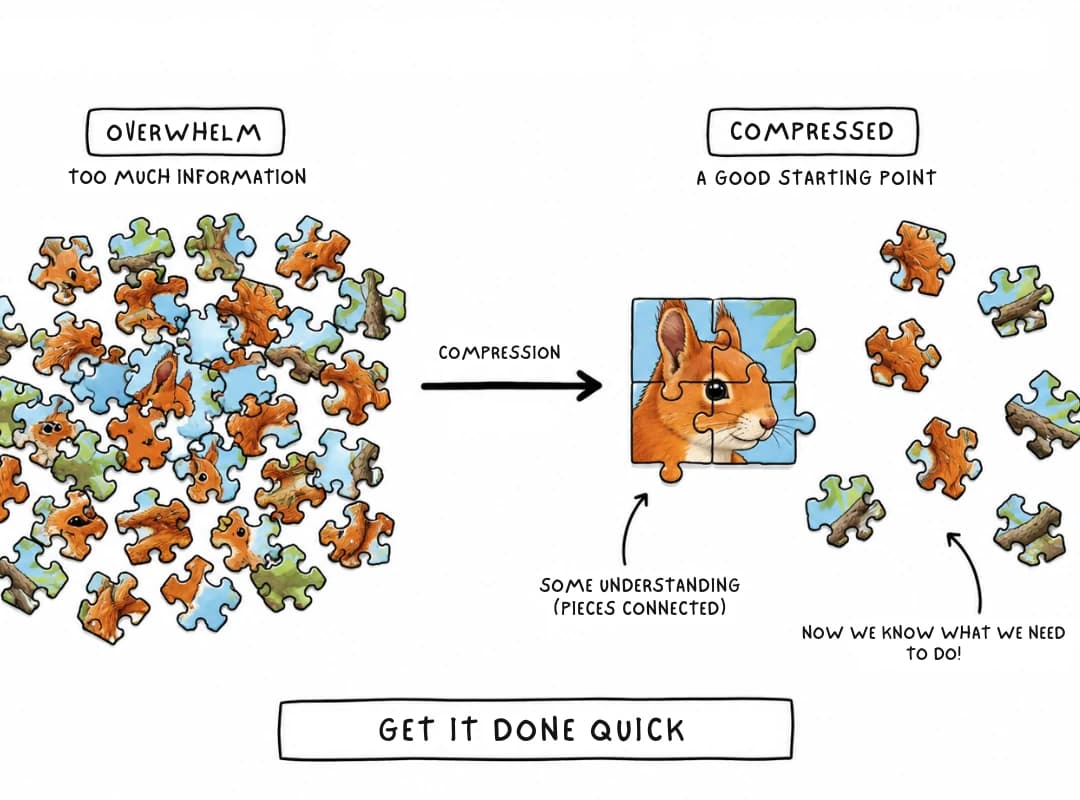
Whether you're trying to save time or escape the ancient learning strategy of "rewind... maybe it makes sense this time," a good YouTube transcript summarizer can shrink the words without untangling the ideas. Give people a visual structure, and scattered facts suddenly start introducing themselves, curiosity takes the wheel, and learning becomes assembling a puzzle instead of chasing escaped confetti. AI removes the busywork; the structure brings back the thinking.
How We Evaluated AI YouTube Summarizers
To compare the features of AI YouTube summarizers fairly, our methodology uses a broader set of evaluation criteria.
We asked questions like:
- Does the summary maintain factual accuracy when checked against the transcript?
- Can you reliably find the moment where a particular claim was made?
- How well does the tool support multiple languages?
- How well does it handle longer videos?
- How fast does it process content?
- Does the pricing justify the features provided?
While there exists no industry consensus on shared, independent benchmarks for summary quality, we study feature descriptions carefully to produce a balanced review.
Wherever possible, we distinguish documented features from vendor-reported claims.
Best AI Tools to Summarize YouTube Videos
| Tool | Best For | Standout Feature | Language Support | Speed | Long-Video Support | Notes |
|---|---|---|---|---|---|---|
| Notta | Studying with structure | Timestamps + transcript, Chrome extension | 100+ languages | Fast | Good | Strong for lecture-style content |
| Eightify | Speed and triage | Instant in-tab summary, ChatGPT/Claude backends | 100+ languages | Fastest (in-tab) | Claims multi-hour support | Best for a fast first pass; long-video claim is vendor-reported |
| Wayin | Structured learning | Timestamped summaries, speaker labels, mind maps, chat Q&A | 100+ languages | Fast | Strong | Closest existing tool to a mind-map workflow |
| NoteGPT | Batch processing | Playlist support, no-login quick summaries | 100+ languages | Fast | Moderate | Good for clearing a backlog fast |
| Mindgrasp | Simplicity | No-login, fast turnaround for lectures/tutorials | 100+ languages | Fast | Limited detail published | Minimal-friction option |
| ScreenApp | Benchmarked accuracy | Tested across 10 tools on 45–90 minute content | 100+ languages | Moderate | Moderate | One of the few with published test methodology |
| Noiz | Very long content | Claims summarization for videos up to 12 hours | 100+ languages | Moderate | Strong (claimed) | 7-day trial; verify accuracy on your own content before committing |
| Descript | Editors who also summarize | Built-in summarizer inside an editing workflow | 100+ languages | Moderate | Moderate | Best if you're already editing, not just watching |
| y2map | Deep learning and synthesis | Timestamp-linked mind maps with pattern-recognition and blindspot-detection prompts, plus watch history for return visits | 100+ Languages | Fast | Good | The only tool here built around questions rather than a finished summary; best for research and study, not quick triage |
If you want to see how these tools compare specifically as mind mapping solutions, see our Y2Map vs MindMeister & Competitors breakdown.
How to Summarize Long YouTube Videos Without Losing Context
Ask any long video summarizer to compress a two-hour interview into one paragraph and you'll get a paragraph.
What it often leaves behind is the juicy part: the guest contradicting themselves with a straight face, the awkward pause, the raised eyebrow, and the context that made it obvious.
- context
- claims
- contradictions
- secondary themes
- supporting quotes
- data points
- evidence behind a claim
...can disappear even when the final summary sounds perfectly coherent.
Effectively structured summaries can prompt the reader into making the connections themselves, gleaning insight into the context without actually having them explicitly mentioned in the text.
A good long-form content summarizer therefore needs to be structured and also optimize for context preservation, not just produce fast, succinct output.
Why Structure Matters More Than Speed
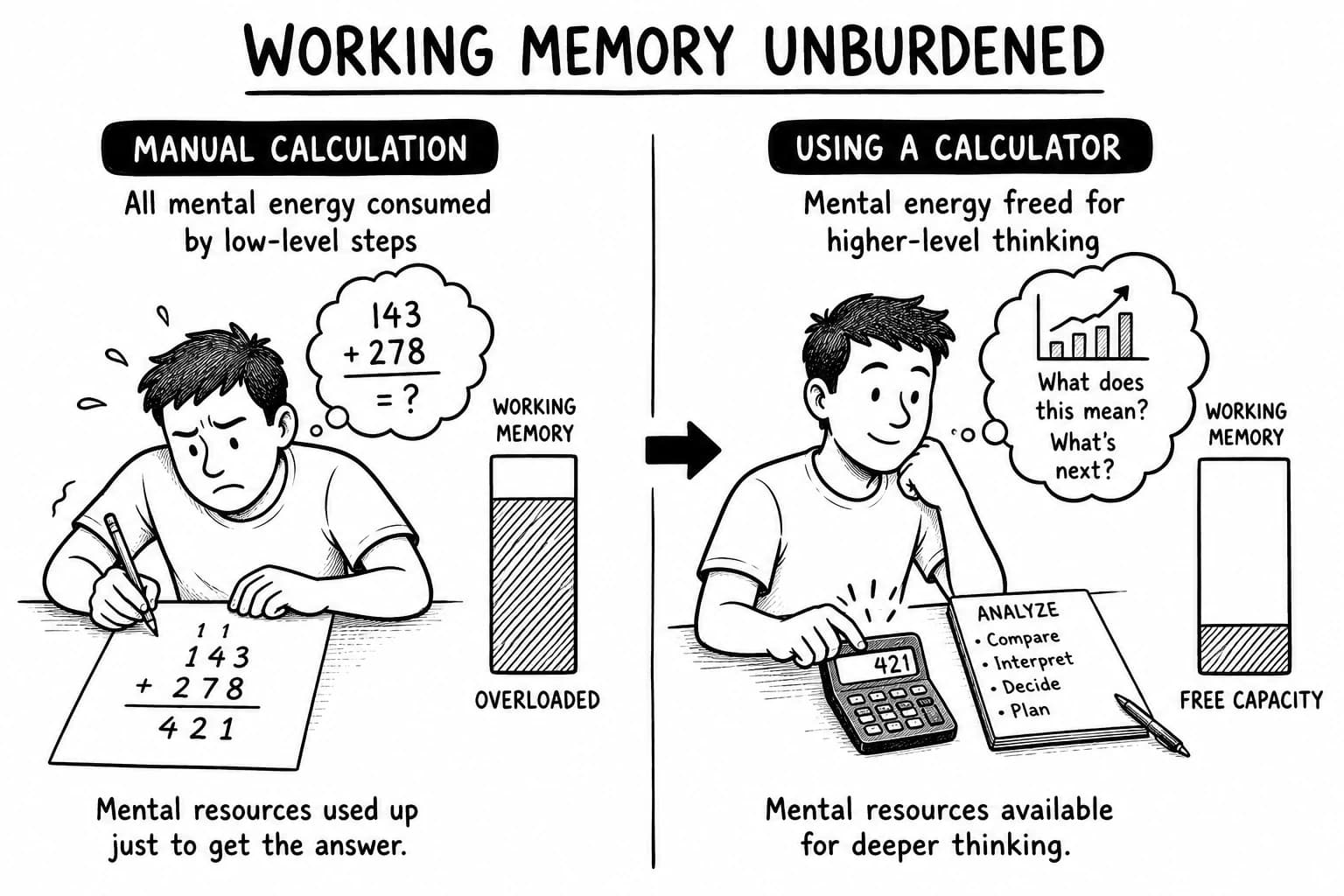
AI gets the text generated fast but our brain still needs to take its time, if we want to remember anything tomorrow.
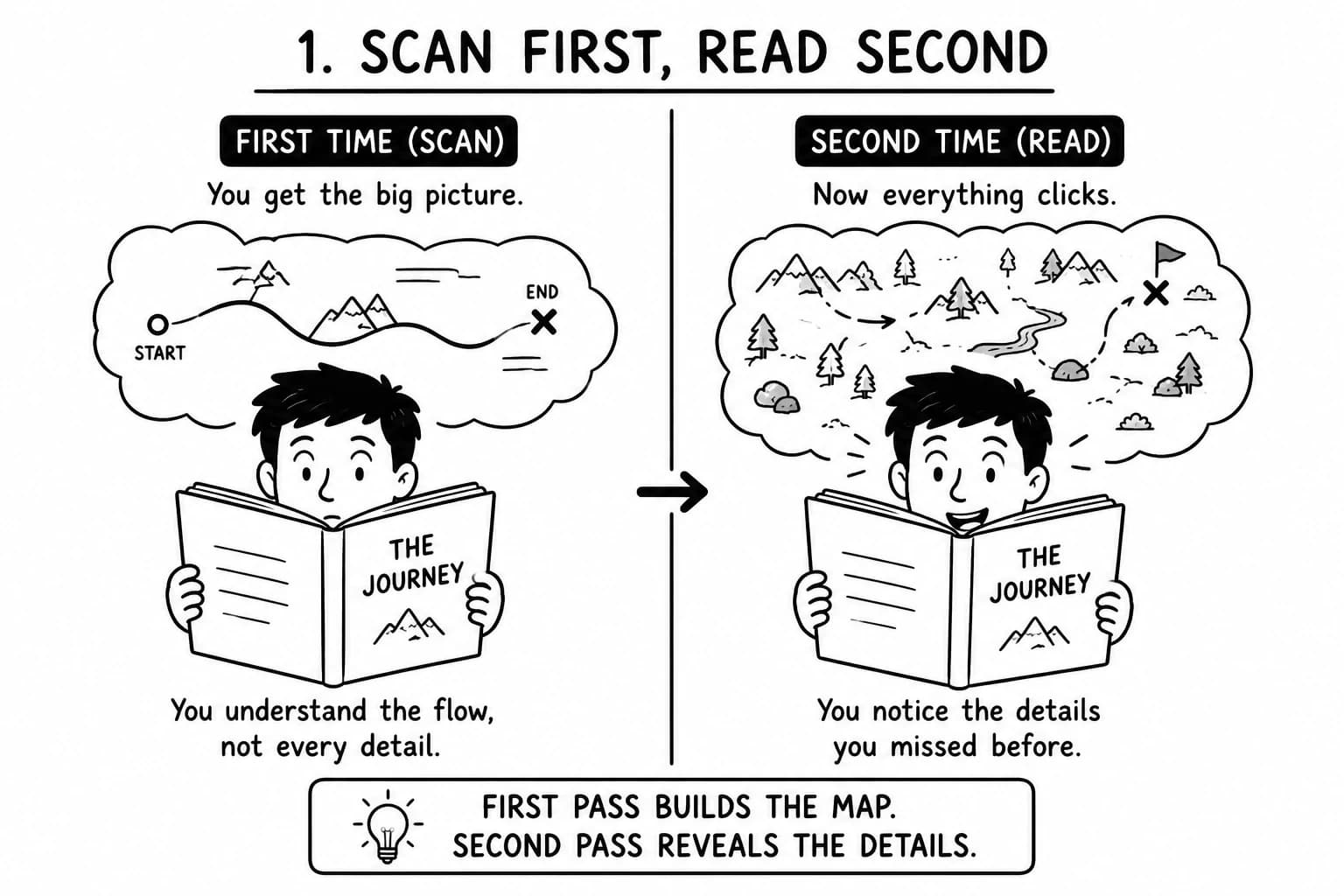
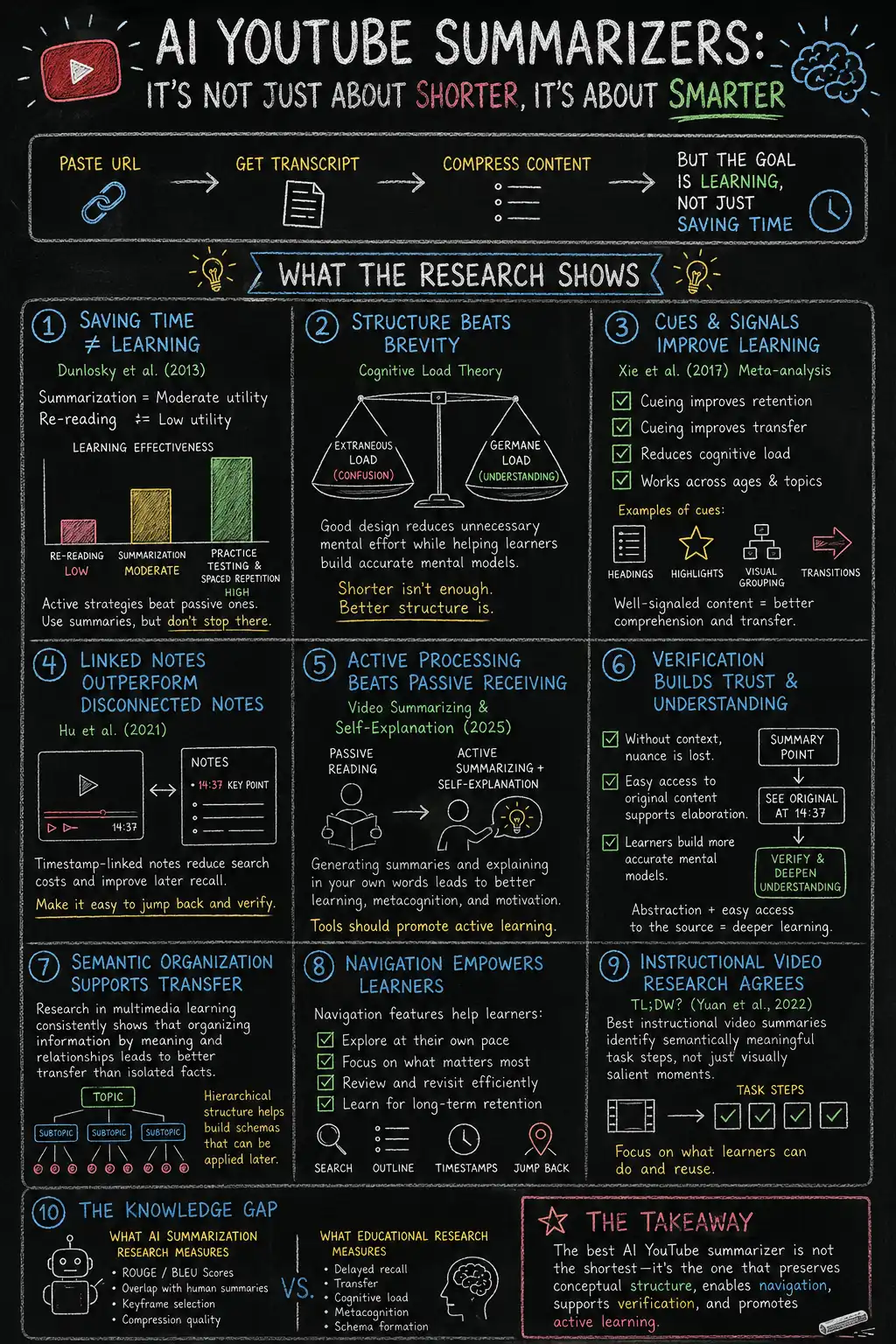
Richard Mayer's Cognitive Theory of Multimedia Learning[1] and Ausubel's Advance Organizers[2] both point to the same idea: give your brain a map before the journey. Without a quick brief, your brain wastes precious bandwidth asking, "Wait... what are we talking about?", "What did he just say?" instead of exploring nuance and finding patterns. A good summary hands you the map first, so your attention stays on connecting ideas instead of assembling the puzzle while the video speeds away.
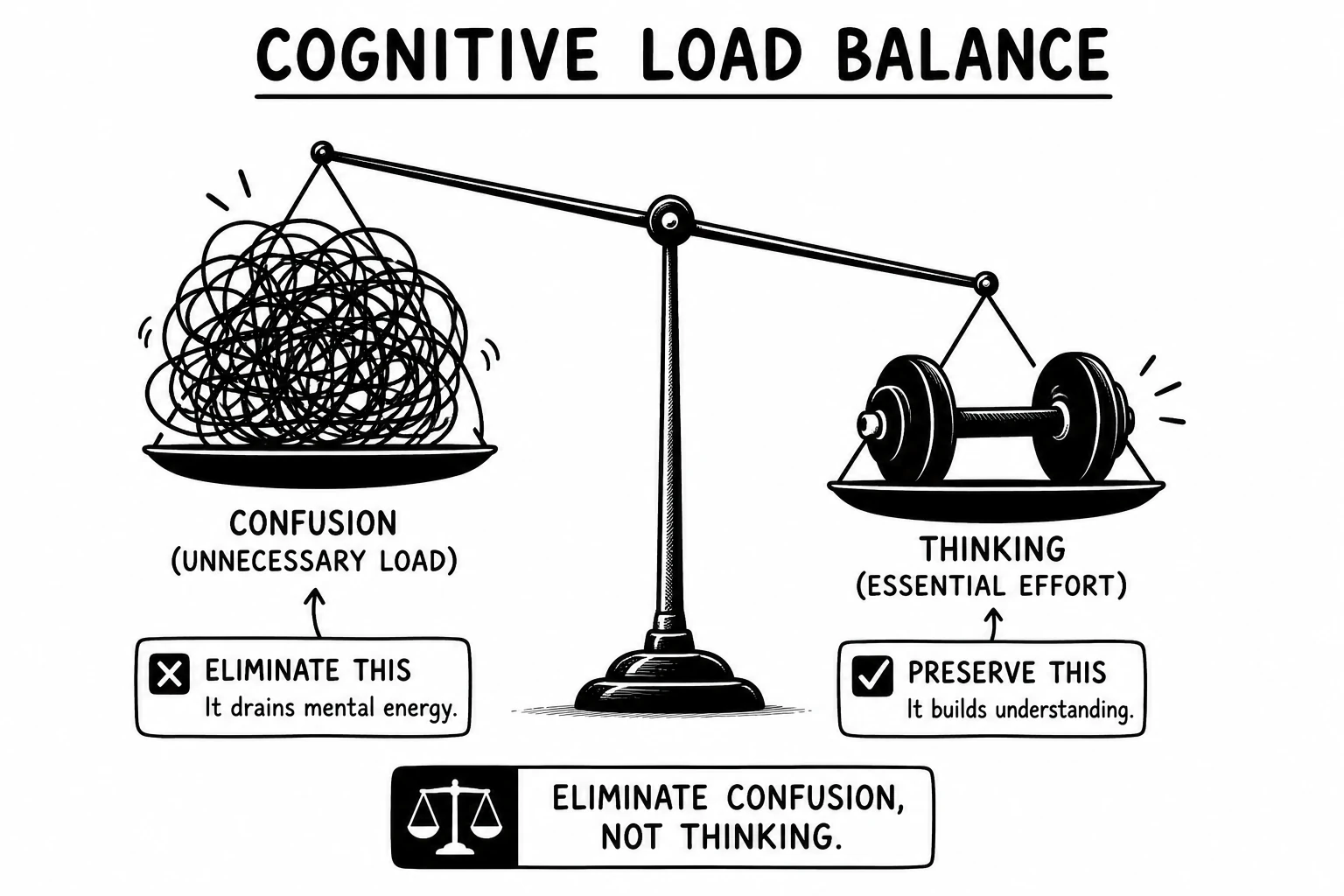
Preview and Build Context Before You Watch
A good AI video summarizer gives you the map before the road trip: the big ideas, where they appear, and how they connect.
If the video still looks worth your time, press play.
Now the dramatic zooms, suspenseful music, and "this changes everything" thumbnails lose their superpowers. Your brain is free to notice the real gems—subtle body language, overlooked visuals, and behind-the-scenes context.
You're no longer trying to keep up. You're busy finding what everyone else missed.
Use AI Summaries as a Starting Point
That's the practical answer to how to summarize long YouTube videos without losing context. Don't ask one AI-generated paragraph to carry the weight of a two-hour lecture. Ask it to provide you with the structure and build on top of it and iterate. This is nothing more than the Feynman Technique in action but with AI doing the busy work.
From Passive Consumption to Active Learning
This is also where y2map earns its place.
Instead of stopping at “what was said,” it helps you ask, “how do these ideas connect?”
Instead of handing you a paragraph and politely ending the conversation, it gives you structured summaries, mind maps, transcripts, timestamps, and research notes that make retrieval practice, self-explanation, pattern recognition and critical thinking feel less like homework and more like detective work.
Follow your curiosity instead. Jump straight to the relevant timestamp, inspect the evidence, connect ideas, challenge assumptions, and come back later when a different question pops into your head.
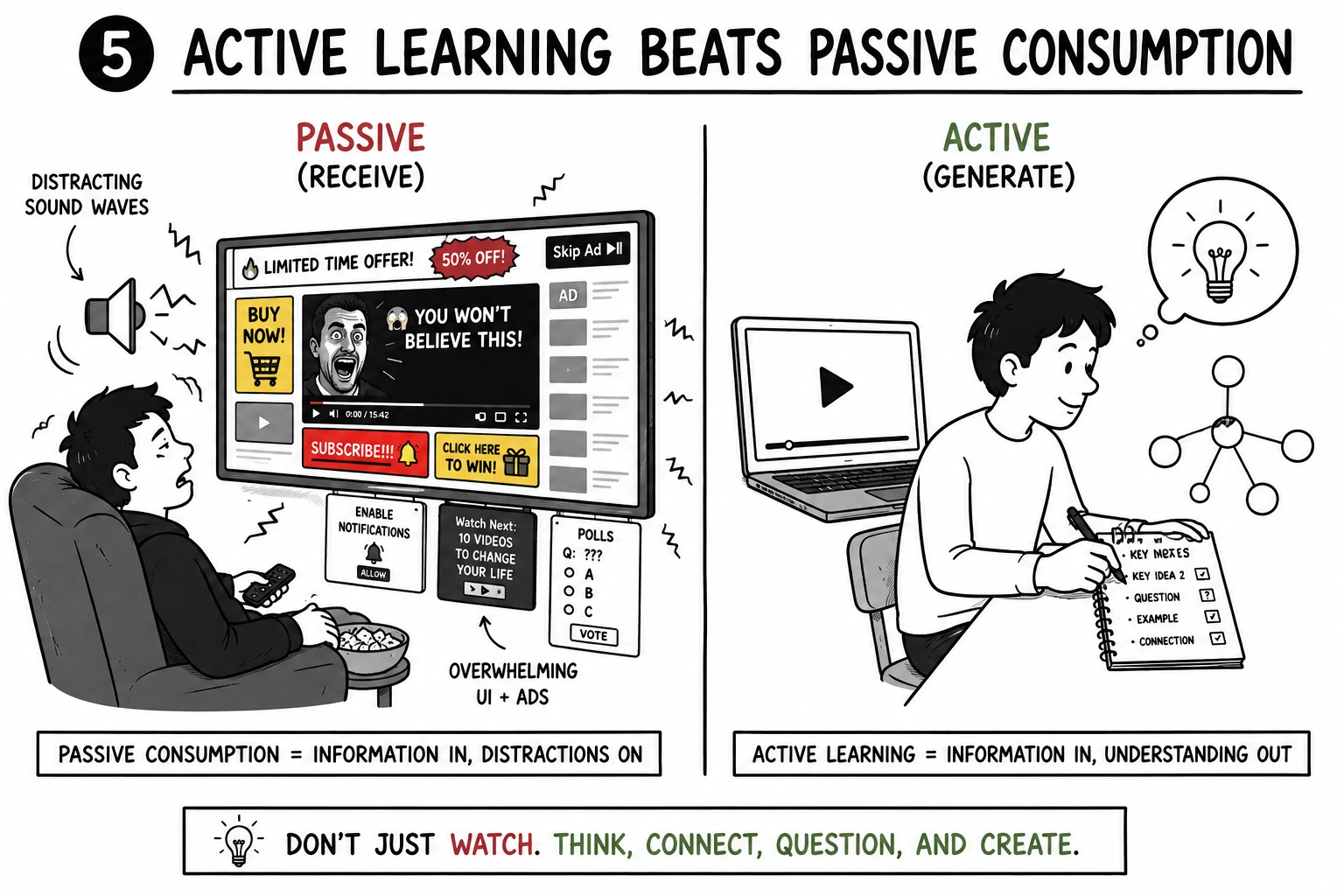
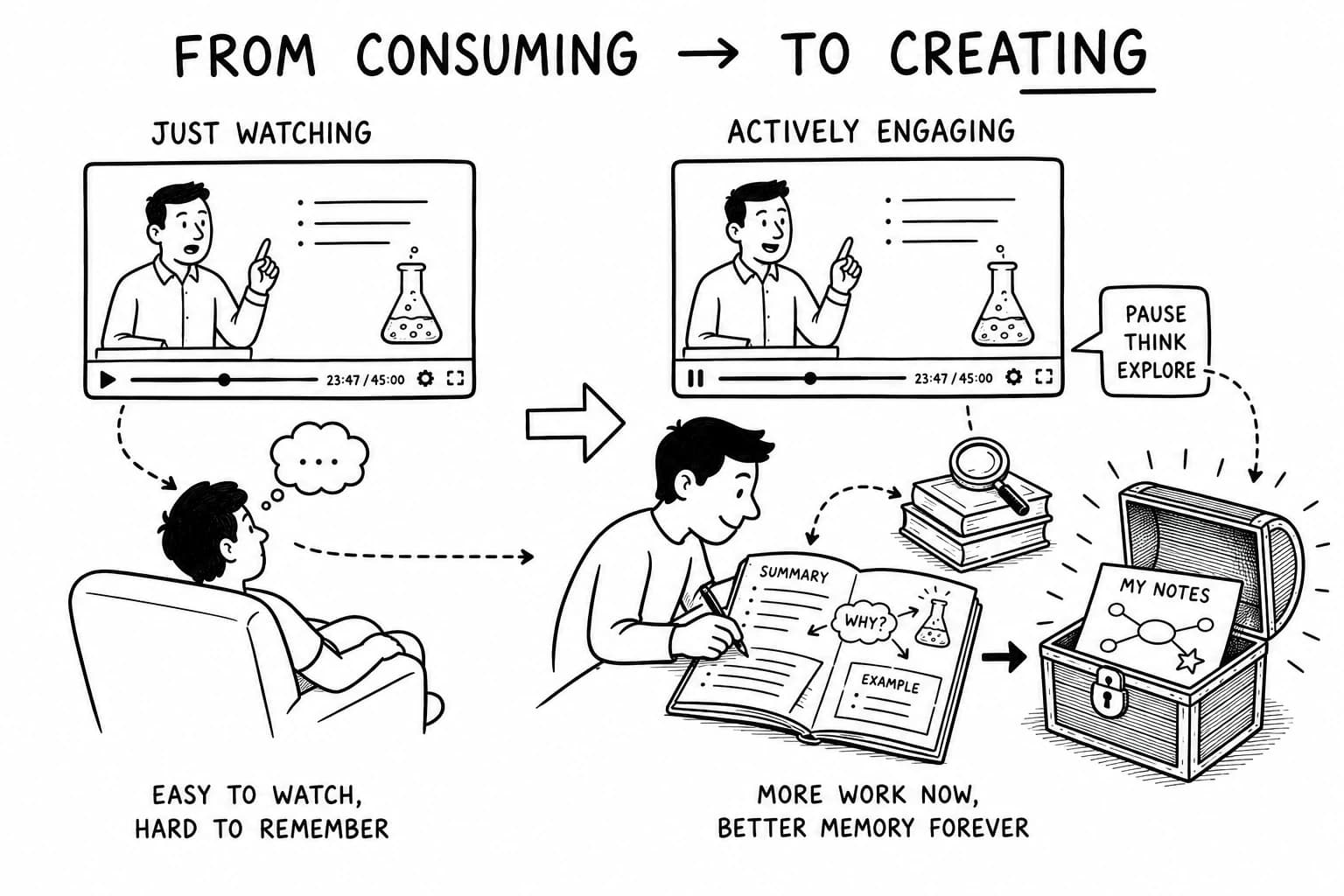
This way, what was once passive consumption turns into active learning.
Use Mind Maps for Research and Knowledge Synthesis
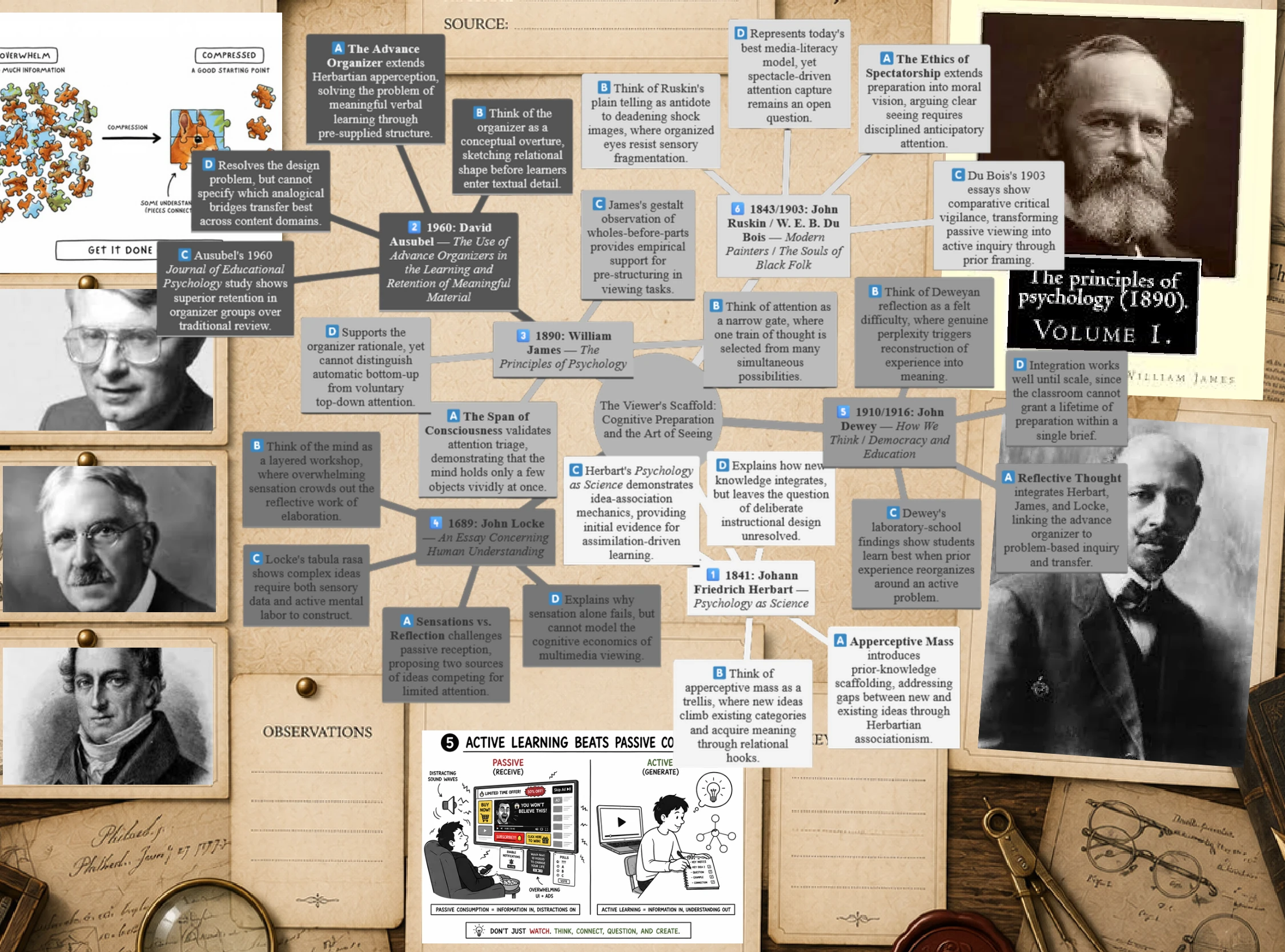
In addition to the indexed summary, you also get a mind map that makes recurring patterns, themes, and relationships visible across sections.
You don't have to take the podcast speaker's word for it, our mind map will find the themes, do a literature review and provide you with an asset that adds a name to an idea and a name to a face.
This bridges the gap from simple video summarization toward structured research and cross-source synthesis.
Beyond "What Did the Video Say?"
Every tool above answers the question, “What did this video say?”
y2map also answers a slightly different, slightly more useful question:
“How do the things this video said connect/relate to each other?”
How Mind Maps Build Mental Models
People don't learn by collecting facts like browser tabs they'll never reopen. They learn by snapping new ideas into existing mental models (or schemas) until the whole picture starts making sense.
A mind map makes some of those relationships explicit.
Instead of receiving fact A, fact B, and fact C as disconnected bullets, you can see:
- why they belong together
- where they diverge
- how they fit into the bigger picture
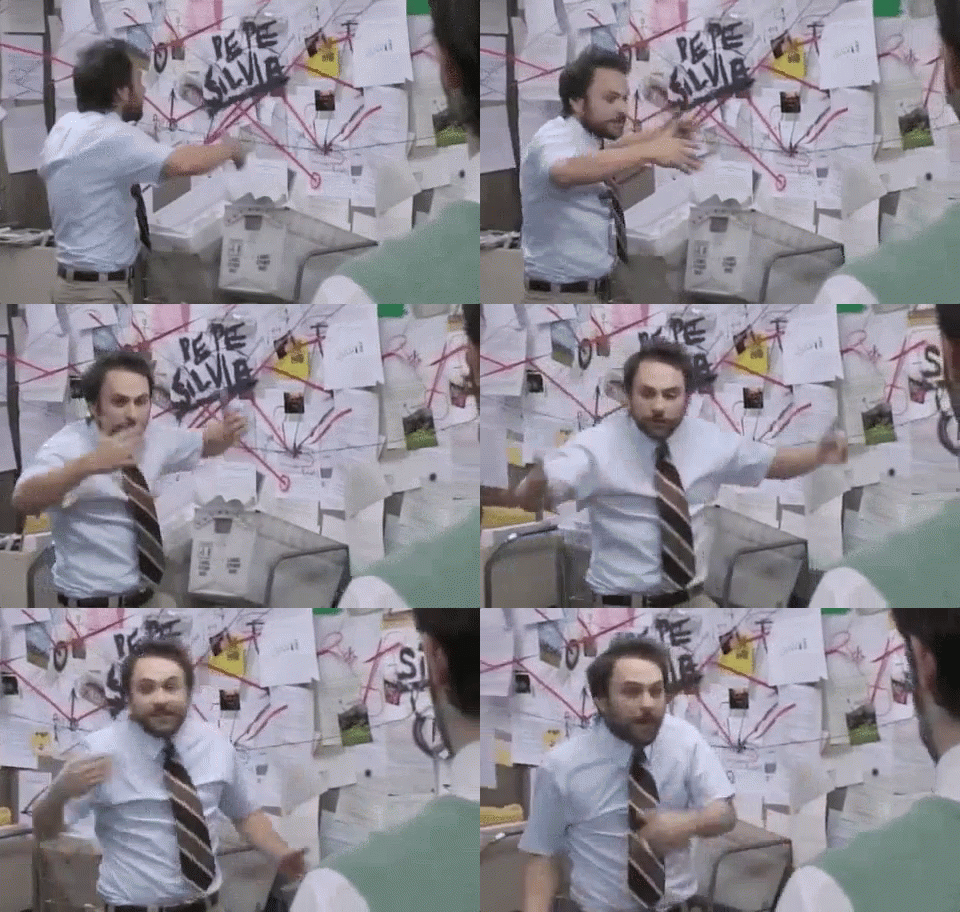
Pattern Recognition Goes Beyond Summarization
But we're not done yet.
The next layer asks the key question:
“What pattern does this resemble, and where has it shown up before?”
Now the video stops being a one-way download. It starts raiding your memory for similar ideas, experiences, and frameworks. The references and citations verify your mental model and show us avenues of growth.
It also trains us to look for:
- assumptions
- missing evidence
- weak links
- alternative explanations
...that may not be obvious from the speaker's presentation alone. Best of all, these "Wait... that doesn't add up" moments show up while you're watching the video on 2x—not two weeks later, possibly when ruminating on the folly of mankind while stuck in traffic.
Why Cognitive Effort Improves Learning
Together, these habits build higher-order thinking instead of higher-speed scrolling.
Reasoning, spotting patterns, and finding blind spots stick far longer than reading another AI summary. In the age of AI, a little productive friction is a feature, not a bug.
Nobody can hand you pattern recognition or cross-domain insights (hello, Pareto Principle) in a finished paragraph. The mind map gives you the pieces—you still have to connect the dots and build/augment your own mental models. That's where the learning sneaks in.
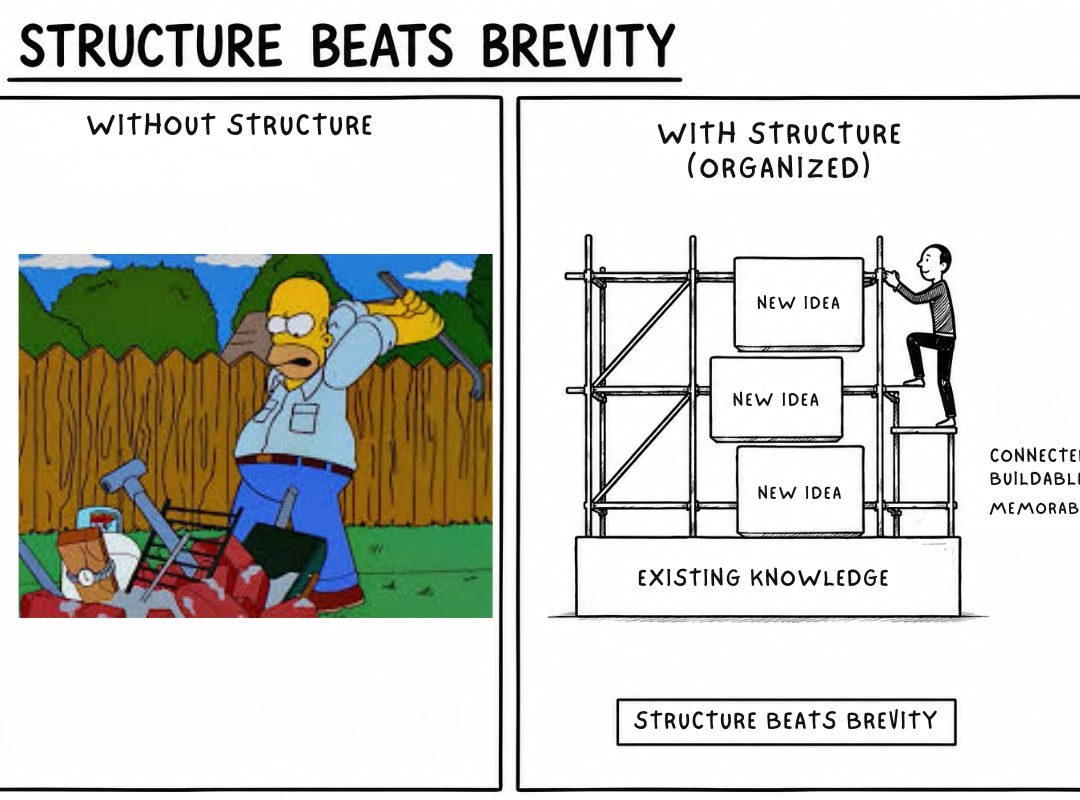
Expertise Comes From Recognizing Patterns
Expertise is not simply about remembering more; often, it is about remembering less at a higher resolution.
Mathematicians don't need to retain every equation they've ever solved, and chess masters don't memorize every position they've ever seen.
Once you see the pattern, it starts photobombing everything. That's why it sticks—and why experts often look suspiciously like they're cheating.
How AI Video Summaries Improve Learning
Good AI for studying should support comprehension, recall, and knowledge retention, helping you transform information into something you can actually use.
Ask yourself:
- Does the summary maintain accuracy and context?
- Can you trace important claims back to the original transcripts, quotes, timestamps, and evidence?
- Do you have transcript access for verification?
- Does the structural output preserve enough of the speaker's reasoning to build on later?
How Knowledge Becomes Understanding
A pattern from today's lecture can quietly ambush next week's interview. An assumption from one source can pick a fight with evidence from another. As we spend our days reconciling these facts and ideas, notes eventually stop behaving like lonely sticky notes. They start introducing themselves to each other. Relationships become mental models, and information becomes something you can actually reason with.
Even better, your brain starts spotting those patterns in everyday life, so it remembers the idea itself—instead of remembering that it's probably somewhere in Folder → Final → Final_v2 → Really_Final.
References
| Principle | What it explains | Mind map benefit |
|---|---|---|
| Cognitive Theory of Multimedia Learning (Richard Mayer) | People learn more deeply when words and relevant visuals are presented together in ways that reduce unnecessary cognitive load and support active processing. | Mind maps integrate text, images, and structure into a single visual representation, making complex topics easier to understand without overwhelming working memory. |
| Advance Organizers (David Ausubel) | Learning improves when learners first receive a high-level conceptual framework that helps them connect new information to what they already know. | A mind map provides an overview of the entire topic before diving into details, helping learners organize new ideas, see relationships, and build lasting understanding. |
[1] Richard Mayer's Cognitive Theory of Multimedia Learning - Mayer, R. E. (2009). Multimedia Learning (2nd ed.). Cambridge University Press [2] Ausubel's Advance Organizers - Ausubel, D. P. (1960). "The Use of Advance Organizers in the Learning and Retention of Meaningful Verbal Material." Journal of Educational Psychology
Frequently Asked Questions
1. Can ChatGPT summarise a YouTube video?
Yes. Can ChatGPT summarise a YouTube video? If you provide ChatGPT with a transcript or supported video content, it can identify key points, create structured summaries, generate research notes, and help explain difficult sections. This is why the related question “Is ChatGPT a good summarizer?” generally depends less on whether it can summarize and more on the quality of the prompt.
A separate question is “Can Chatgpt convert YouTube video to text?” It can but youtube already does that automatically for 99% of videos with its transcripts. The question now becomes, how do i access the transcript, preferably with 1 click. For a full guide on accessing transcripts, see How to Get a YouTube Transcript in 2024.
2. How can I summarize a YouTube video online?
The simplest answer is to paste the YouTube URL into a YouTube video summarizer that can retrieve or generate the transcript and then use AI to extract the key points.
If you're asking “How to summarize a YouTube video without watching it?”, an AI YouTube summarizer can provide a first-pass summary so you can understand the structure without sitting through the full runtime. For anything important, use transcript access and timestamps to verify the original context rather than treating the generated summary as the source itself.
3. Which AI can summarize YouTube videos?
Specialized tools can often retrieve transcripts automatically and may add timestamps, quotes, mind maps, history, and saved summaries, creating a convinient way to get what we want with minimal busywork.
So “What is the best AI summarizer?” depends on the job. For quick triage, prioritize speed. For students, prioritize transcript access, structured summaries, recall, and comprehension. For research, prioritize accuracy, context, quotes, evidence, and verification. For long videos, prioritize long-video support and timestamps.
4. Are YouTube video summarizers free?
Some are, although free usage varies considerably. You'll often find free tools, limited free plans, trials, and no-login summarizer options alongside paid products.
Likewise, the answer to “Is there a free summarizer online?” is yes, but “free” can mean anything from unlimited basic summaries to a small number of free generations before payment is required. The same caveat applies to “Which AI is 100% free?” — pricing, usage limits, models, and free tiers change, so there isn't a permanent universal answer.
And “How to summarize a long YouTube video in seconds for free?” comes with another trade-off: processing something quickly isn't the same as preserving it accurately. Long-form videos benefit from transcripts, timestamps, structured output, and source verification, particularly when context matters.
5. Where can I find the YouTube summary?
Where can I find the YouTube summary? That depends on the tool. Some YouTube video summarizers display structured summaries beside the video, while others create a separate page or save transcripts, research notes, history, and mind maps inside a personal library.
If you're wondering “Can I watch a video and summarize it?”, yes — and for active learning, combining the two can be better than replacing the video completely. Use the AI summary to identify important sections first, then jump to the relevant timestamps and watch the source material selectively.
For students, this can turn passive learning into active learning: preview the structure, retrieve what you already know, inspect the evidence, practice self-explanation, and connect the new material with prior knowledge. The AI handles information retrieval; you keep the cognitive effort responsible for comprehension and knowledge retention.
6. How long can a video summarizer summarize?
There isn't one universal limit, it depends on the product, its model, transcript handling, and long-video support. Some tools are designed for short clips; others claim support for multi-hour lectures, podcasts, interviews, and other long-form content.
For long videos, maximum runtime isn't the only useful metric. The harder problem is context preservation. As more information gets compressed, qualifications, contradictions, supporting evidence, and relationships between ideas can disappear.
That's why a long-video workflow works better in two stages: map the themes, key points, quotes, and timestamps first; then verify important claims against the transcript. A YouTube mind map AI can take this further by preserving relationships between ideas rather than flattening an entire two-hour argument into one paragraph. To go beyond summaries into active note-taking, see How to Take Notes on YouTube Videos.
7. Is AI Summarizer safe?
There is no single answer. Safety and privacy depend on what data you provide, how the service stores and processes it, whether conversations or uploads may be used to improve models, your account settings, and the provider's current privacy terms.
That is also why questions such as “Which AI model is more private, Gemini or ChatGPT?”, “Which AI app is the safest?”, and “Who can see my ChatGPT conversations?” should be answered using the providers' current privacy documentation rather than a generic ranking. Privacy policies and controls can change, and consumer and business products may have different data-handling terms.
8. What AI is better than ChatGPT?
There is no permanent answer to “What AI is better than ChatGPT?” because AI systems evolve quickly and different models are better at different tasks. The same applies to “Which AI has replaced ChatGPT?” — there isn't a single AI that has universally replaced it. Specialized tools often save you the hassle of creating a perfect prompt and include features that can improve the experience significantly.
Questions such as “Is Gemini better than ChatGPT?”, “Which is better, ChatGPT or Gemini or DeepSeek?”, and “Is Grok better than gpt?” depend on what you're actually measuring: reasoning, research, coding, multimodal input, integrations, speed, privacy, cost, or summarization.
For YouTube specifically, the better question isn't which AI wins overall. It's which workflow gives you the accuracy, transcripts, timestamps, context, structural output, multilingual support, and verification you need. A general AI may be an excellent summarizer once it has the transcript; a dedicated AI YouTube summarizer may be more convenient when you need transcript extraction, long-video support, saved summaries, or mind maps automatically.