Coursera Summary with ChatGPT: Summarize Courses and Create AI Mind Maps
A Coursera course can teach you a useful skill in an afternoon. Remembering the important parts a week later requires a system for organizing and retrieving what you learned.

Course information is distributed across videos, readings, assignments, demonstrations, and supplementary PDFs. A Coursera course summarizer turns available transcripts and course documents into concise summaries, structured notes, and revision resources.
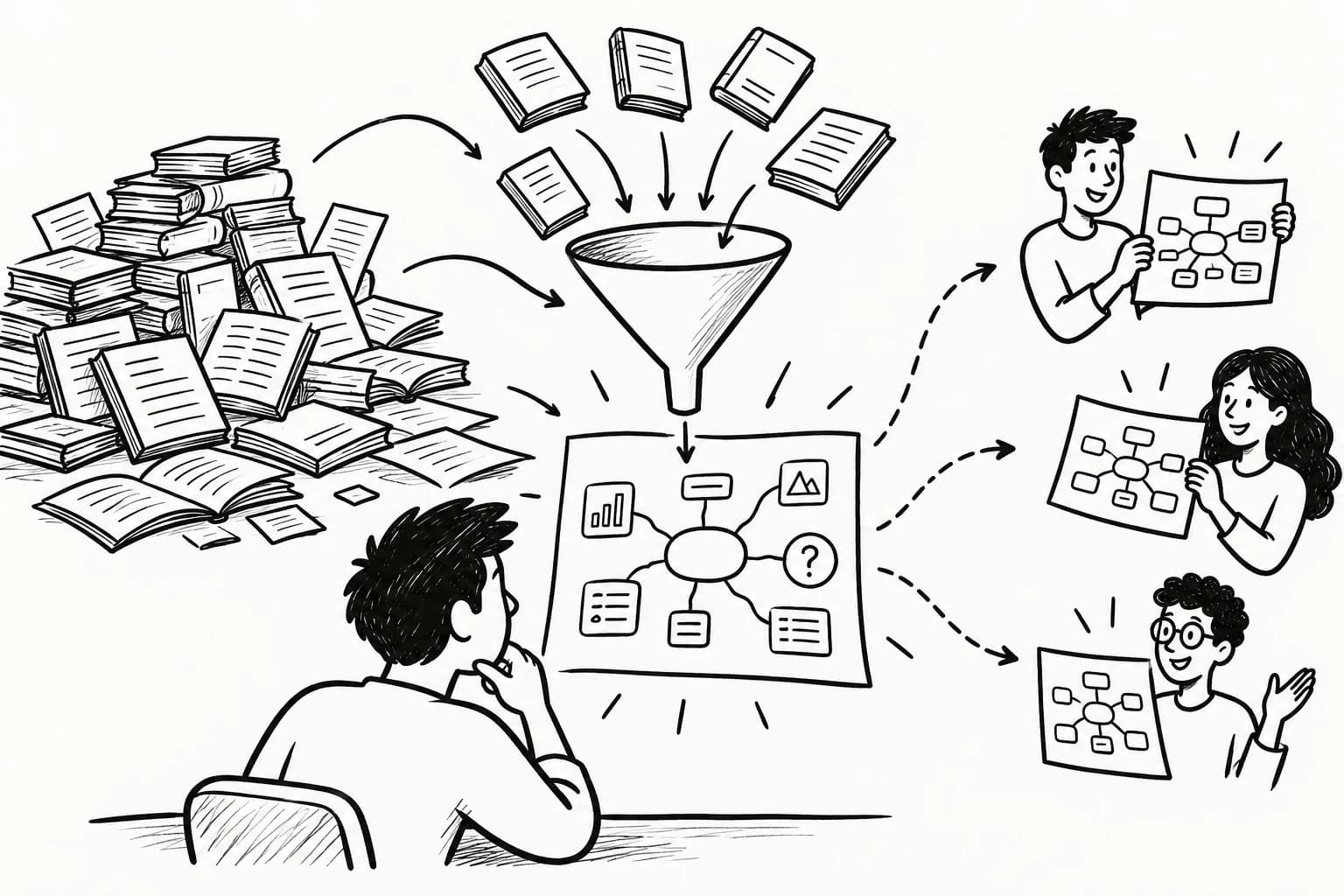
ChatGPT can organize supplied course materials, explain difficult concepts, and generate study questions. An AI mind map generator such as y2map turns supported text into a visual structure of connected concepts.
The workflow connects five activities:
Capture → Summarize → Organize → Map → Test
Summarize Coursera Courses with ChatGPT
ChatGPT can summarize supported text and documents, helping learners extract a course's main ideas and arrange them into study notes. The quality depends on source completeness, prompt clarity, and verification against the original material.
Generate Coursera Course Summaries for Free
A free ChatGPT workflow can summarize available transcripts, outline lessons, and identify important concepts. File-upload availability and usage limits depend on the current plan and account settings.
Specify the course topic, learning objective, and desired format. A short overview supports orientation; detailed notes support technical learning and revision. Check current plan limits before building a workflow around particular features.
Extract Key Concepts and Evidence from Coursera Lessons
Key-concept extraction identifies the definitions, principles, explanations, and examples that support a lesson's learning objectives.
Ask ChatGPT to separate the instructor's central claim from supporting evidence and illustrative examples. For technical lessons, preserve equations, code, terminology, and the conditions under which a method works.
A useful summary retains the reasoning needed to understand when a principle applies and which qualifications govern its use.
Summarize Coursera Lecture Transcripts and Course Materials
A lecture transcript gives ChatGPT text it can organize into a structured summary. Supporting readings and course documents can add definitions, examples, and context.
Summarize each source separately before combining them. This preserves provenance and makes disagreements easier to investigate. If a reading qualifies an instructor's claim, retain that qualification and identify the relevant source.
Create Structured Notes from Online Courses
Structured course notes organize information by lesson, module, and topic. A useful format includes:
- Learning objective: What the lesson teaches.
- Key concepts: The ideas needed to understand the topic.
- Supporting evidence: Examples, explanations, and demonstrations.
- Connections: Relationships with earlier lessons.
- Review questions: Questions that test understanding.
Store notes under their original lesson titles and module names. This creates a searchable reference that preserves the course's sequence while supporting topic-based revision.
Summarize Coursera Courses in Different Languages
Multilingual summarization can help learners process supported materials in a preferred language.
Ask ChatGPT to explain unfamiliar concepts in simpler language or translate notes while preserving technical terminology. Check names, formulas, specialized vocabulary, and context-dependent expressions against the source.
Convert Coursera Lessons into AI Mind Maps
An AI mind map organizes course concepts into a visual hierarchy. It shows how individual topics relate to broader principles and how ideas from different modules fit together.
Generate Mind Maps from Course Transcripts
A transcript-to-mind-map workflow turns lesson text into a central topic and supporting branches.
Use the learning objective as the central node, with branches for major concepts, definitions, examples, and applications. Review the generated relationships to ensure that the map reflects the lesson's meaning.
With y2map, learners can transform supported text into AI-generated mind maps for visual knowledge organization.
Create Visual Summaries of Coursera Courses
A visual course summary presents major topics and their relationships in one view.
For a data science course, a map might connect data preparation, statistical methods, model training, evaluation, and deployment. This structure helps learners navigate the subject and see which concepts support later lessons.
Connect Concepts Across Course Modules
Cross-module mapping reveals prerequisites, recurring principles, and relationships between topics introduced at different stages.
A later lesson may depend on an earlier definition or combine several previously introduced methods. Connect these concepts while preserving the original lesson references, so learners can revisit the explanation behind each important branch.
Capture Code, Slides, and Diagrams from Coursera Lessons
Programming, mathematics, and technical courses often communicate essential information visually. Transcript-based summaries can miss code in an editor, formulas on a board, or diagrams explaining a process.
Record relevant lecture timestamps and inspect the original video when a demonstration or visual example carries essential meaning. Use supported image or screenshot inputs where available, and check the current tool documentation before relying on specific image-analysis capabilities.
The transcript captures spoken explanations; the visual material may contain additional information needed to understand the lesson.
Create a Unified Mind Map from Multiple Course Modules
A unified course mind map combines ideas from several lessons into one visual overview.
Create individual lesson summaries first, then group their concepts into module-level branches. Connect concepts that depend on one another, share a principle, or represent different applications of the same idea.
Retain links to the original lessons so every important branch has a route back to its source. Preserve meaningful differences between sources when their explanations or conclusions disagree.
Export Course Mind Maps and Study Notes
Exporting makes course materials easier to revisit, annotate, and incorporate into a personal learning library.
Depending on the tool, available formats may include images, PDFs, Markdown, or editable mind map files. Verify export support before building a workflow around a particular format, especially when preserving hierarchy, source links, or timestamps matters.
Best AI Summarizers for Coursera
The best tool depends on the materials available and the output required. ChatGPT analyzes supplied text and supported files; NotebookLM focuses on working with supplied sources; transcript-oriented tools support speech-to-text and video-summary workflows.
Use ChatGPT to Summarize Coursera Lessons
ChatGPT can summarize supplied transcripts, explain difficult concepts, compare documents, and generate structured study notes.
Use this reusable prompt:
Summarize the supplied Coursera lesson for study and revision. Identify the learning objectives, key concepts, definitions, supporting examples, and important conclusions. Explain how the concepts relate to earlier topics. Distinguish source-supported claims from interpretations, and list details that require verification against the original material.
For a long course, summarize lessons individually before synthesizing the module or entire course. This makes omissions easier to spot and keeps the final overview anchored in the source material.
Use NoteGPT to Summarize Online Courses
NoteGPT is an option to evaluate for online-video summarization and transcript-based learning workflows.
Check its current supported sources, transcript availability, lecture-length limits, timestamps, export features, and pricing. Confirm that its capabilities match your Coursera workflow before relying on direct course access.
Use NotebookLM to Organize Course Materials
Google NotebookLM helps learners work with supplied sources, generate source-grounded summaries, and ask questions about their materials.
It may be useful when eligible course transcripts, readings, and personal notes are available. Check current file support and source limits, and verify important answers against the referenced material. Do not assume every Coursera video can be imported directly.
Compare AI Tools for Coursera Summaries and Notes
Evaluate tools across the complete learning workflow: obtain the source material, summarize it, organize the output, verify accuracy, and revisit the original lesson.
A transcript tool may suit lecture notes; a source-based notebook may suit multi-document analysis; a mind map generator may help visualize relationships. Choose according to the task the tool performs reliably.
| Criterion | What to evaluate |
|---|---|
| Input support | Transcripts, text files, PDFs, images, audio, or video |
| Transcript handling | Technical terminology, missing text, and transcription errors |
| Course length | Limits on lecture duration, file size, or input length |
| Visual content | Ability to process slides, code, diagrams, and screenshots |
| Source traceability | Links, citations, timestamps, or references to original material |
| Course organization | Lesson summaries, module notes, and course-wide synthesis |
| Export formats | PDF, Markdown, images, and editable mind maps |
| Privacy | Data retention, processing policies, and permissions |
| Cost | Free-plan limits, subscription fees, and feature restrictions |
Test shortlisted tools on the same lesson. Compare completeness, factual accuracy, and the effort required to retrieve supporting information. Recheck product capabilities and pricing before publication or purchase.
How to Summarize Coursera Courses with ChatGPT
A repeatable workflow turns course materials into notes that can be verified, organized, and reused.
1. Access Course Transcripts and Learning Materials
Check the available captions, transcripts, readings, and supplementary documents. Use materials you are authorized to access and process.
Verify that the transcript covers the relevant lesson, and preserve the original title and useful timestamps. Missing source material creates missing information in the summary, so document gaps before synthesizing the course.
2. Generate Summaries from Course Content
Provide the transcript or supported document and ask ChatGPT for a structured summary.
Specify the desired depth, audience, and format. For a technical course, request definitions, worked examples, assumptions, and common mistakes alongside the main ideas.
3. Extract Key Concepts and Supporting Evidence
Ask ChatGPT to identify the lesson's central concepts and the evidence or examples supporting them.
Separate direct statements from interpretations and flag unclear passages. Check important claims against the original lesson before incorporating them into the course-wide notes.
4. Organize Summaries into Structured Notes
Arrange lesson summaries under their course modules, then group related concepts using consistent topic labels.
Include definitions, source references, personal annotations, and review questions. This supports sequential revision and topic-based retrieval while preserving the original learning sequence.
5. Convert Course Notes into Mind Maps
Turn verified notes into a hierarchy of concepts and their relationships.
Use the course topic as the central node, module themes as primary branches, and definitions, examples, and applications as supporting nodes. With y2map, you can extend structured text into a visual learning map.
6. Handle Missing or Inaccurate Coursera Transcripts
When a transcript is unavailable, check for other authorized course materials or take notes manually. Where permitted, a compatible speech-to-text tool can create a draft transcript from an accessible recording.
Correct technical terms and important statements before summarizing. When visual demonstrations carry essential information, consult the original video or use appropriate supported image inputs.
Benefits of AI-Powered Coursera Summarization
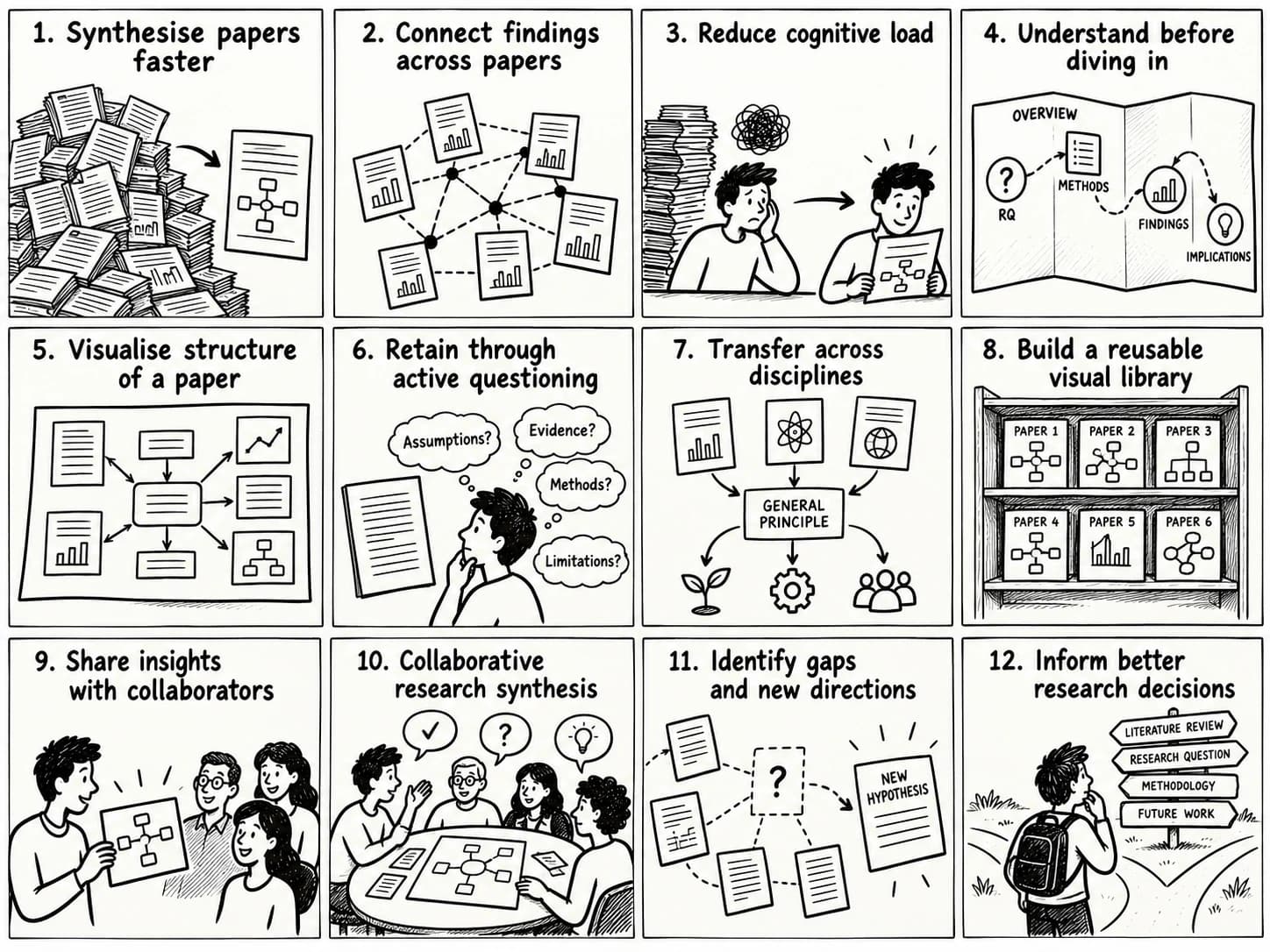
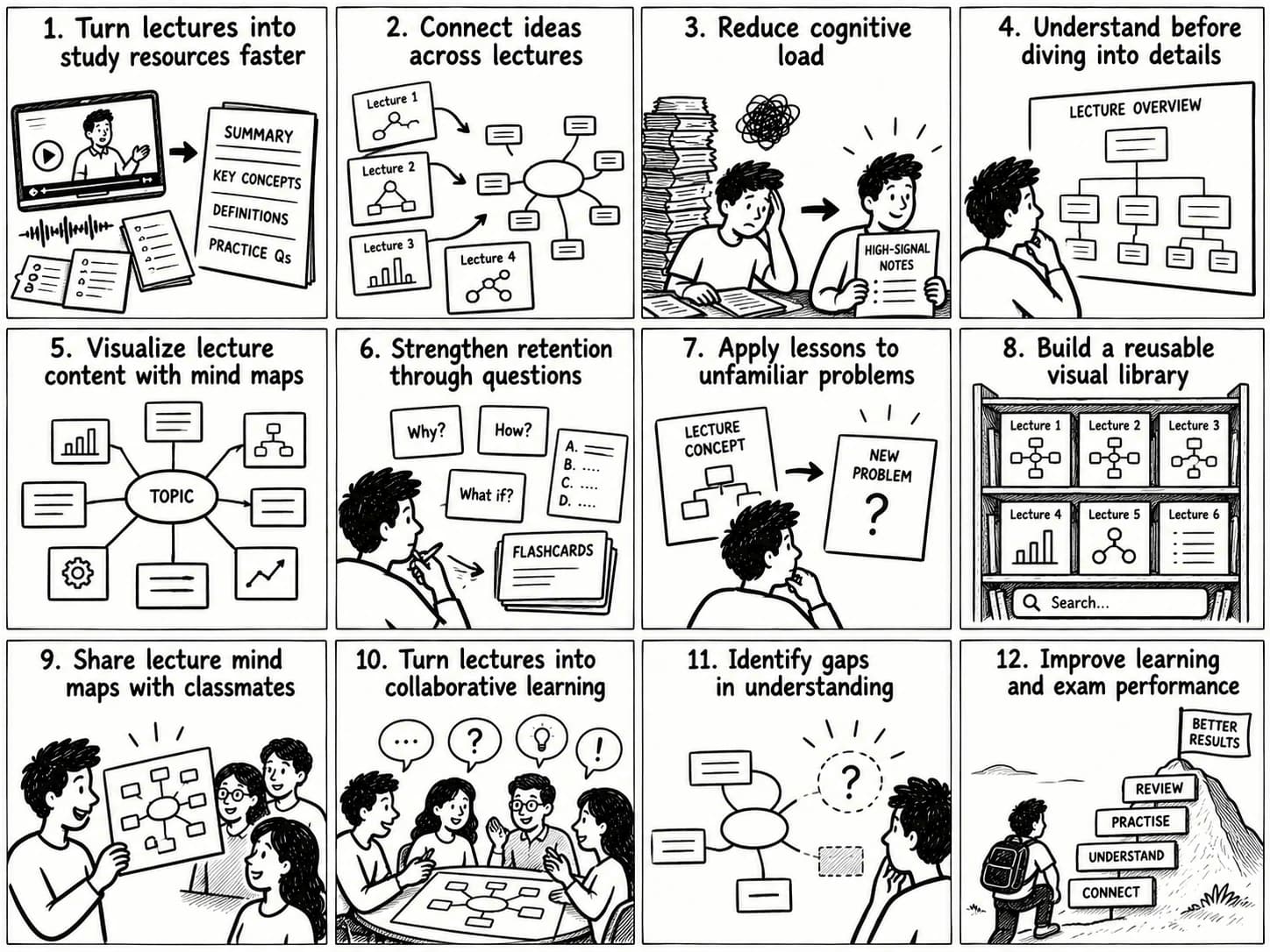
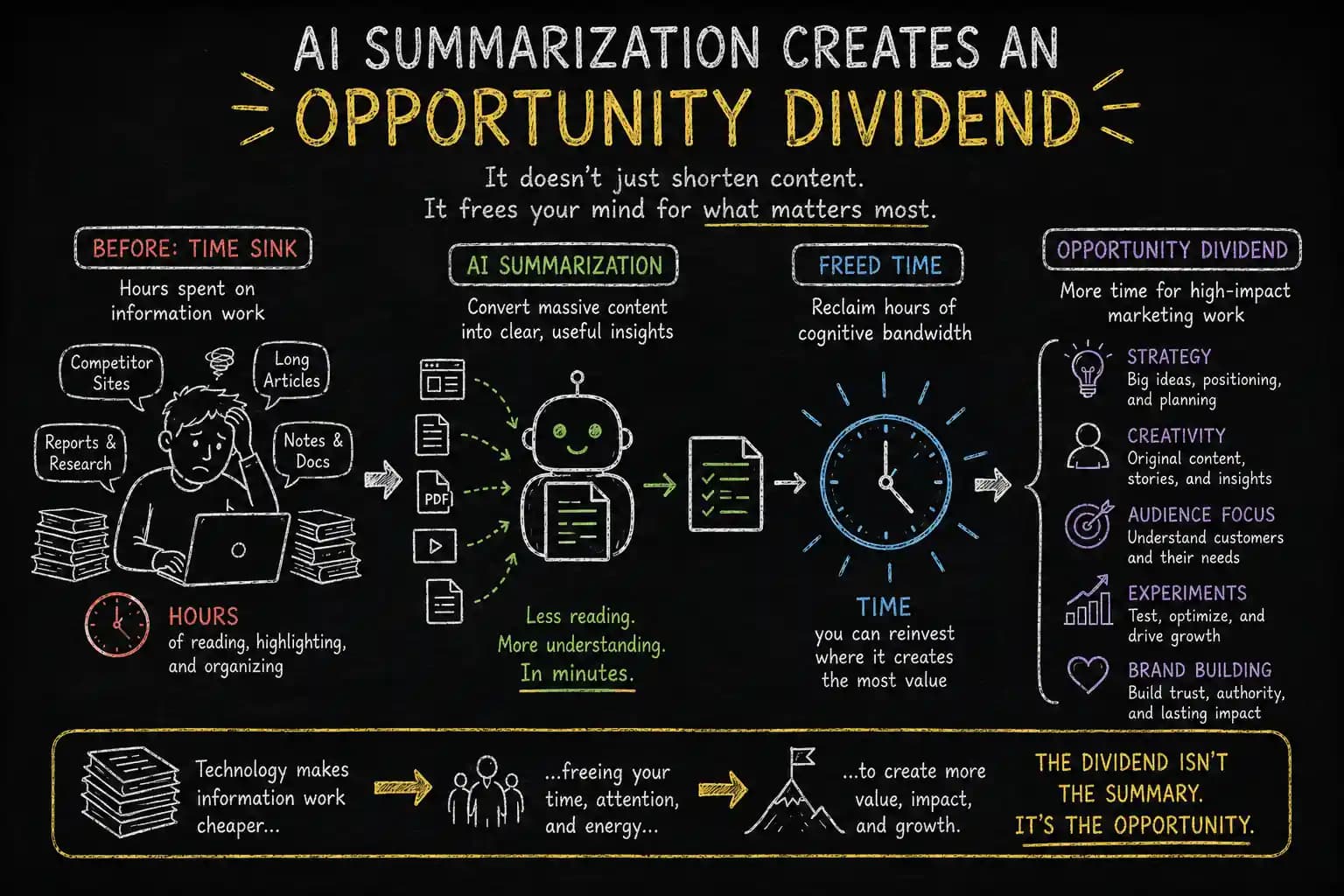
AI summarization organizes large amounts of course material into manageable notes. Its learning value comes from accurate source handling, meaningful conceptual connections, and review activities that test understanding.
Understand Complex Lessons Faster
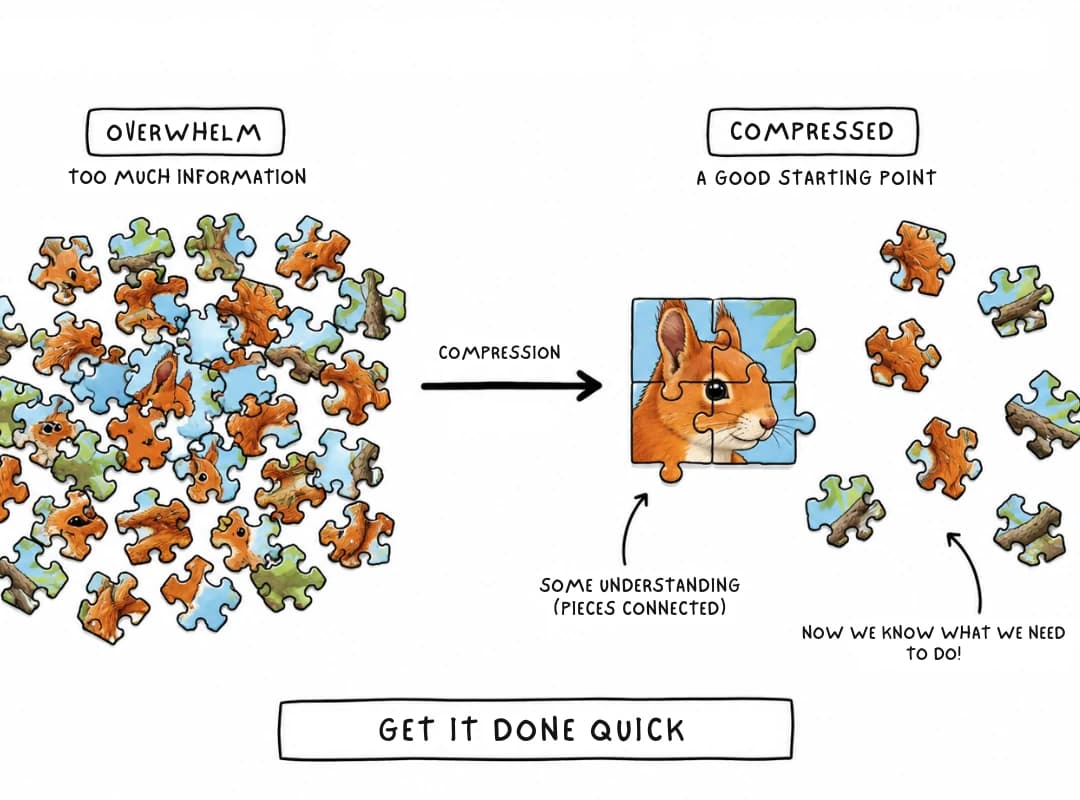
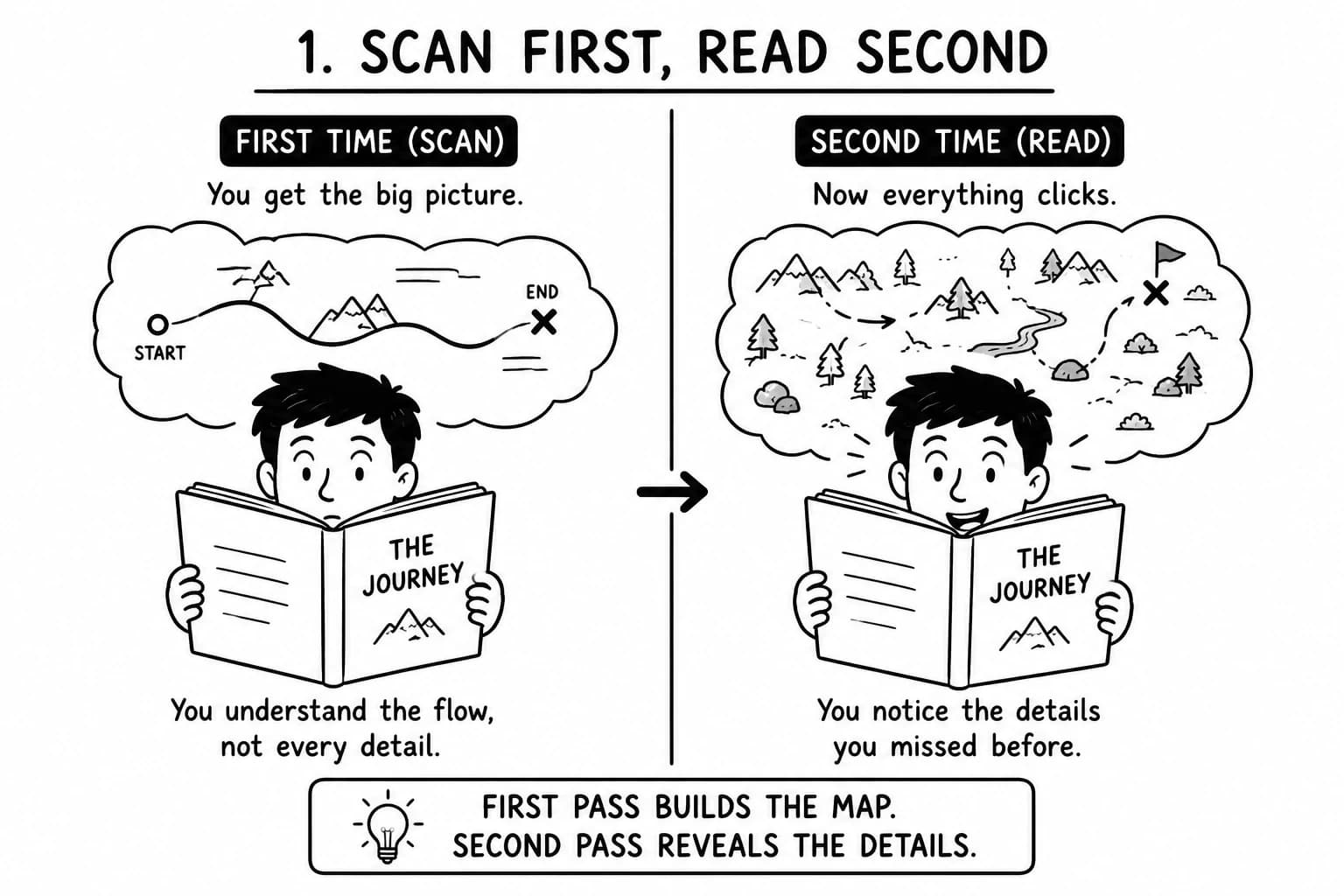
Structured summaries provide an overview of unfamiliar concepts before learners revisit the details. This orientation helps identify difficult topics, clarify terminology, and prioritize lessons that need further attention.
Use the summary to navigate the material, then inspect the original when detailed reasoning or evidence matters.
Reduce Manual Note-Taking
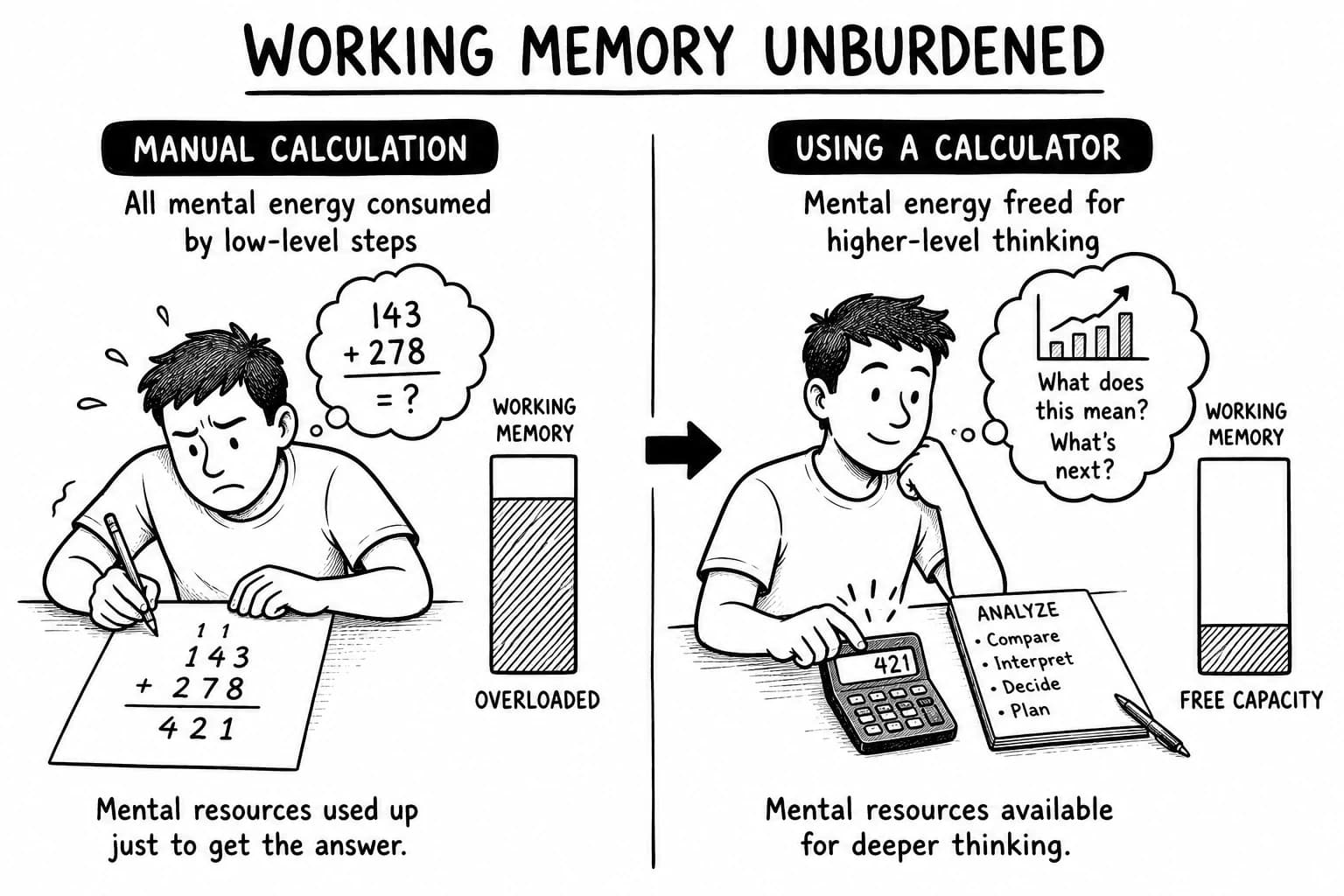
Automated summaries reduce repetitive transcription and formatting work.
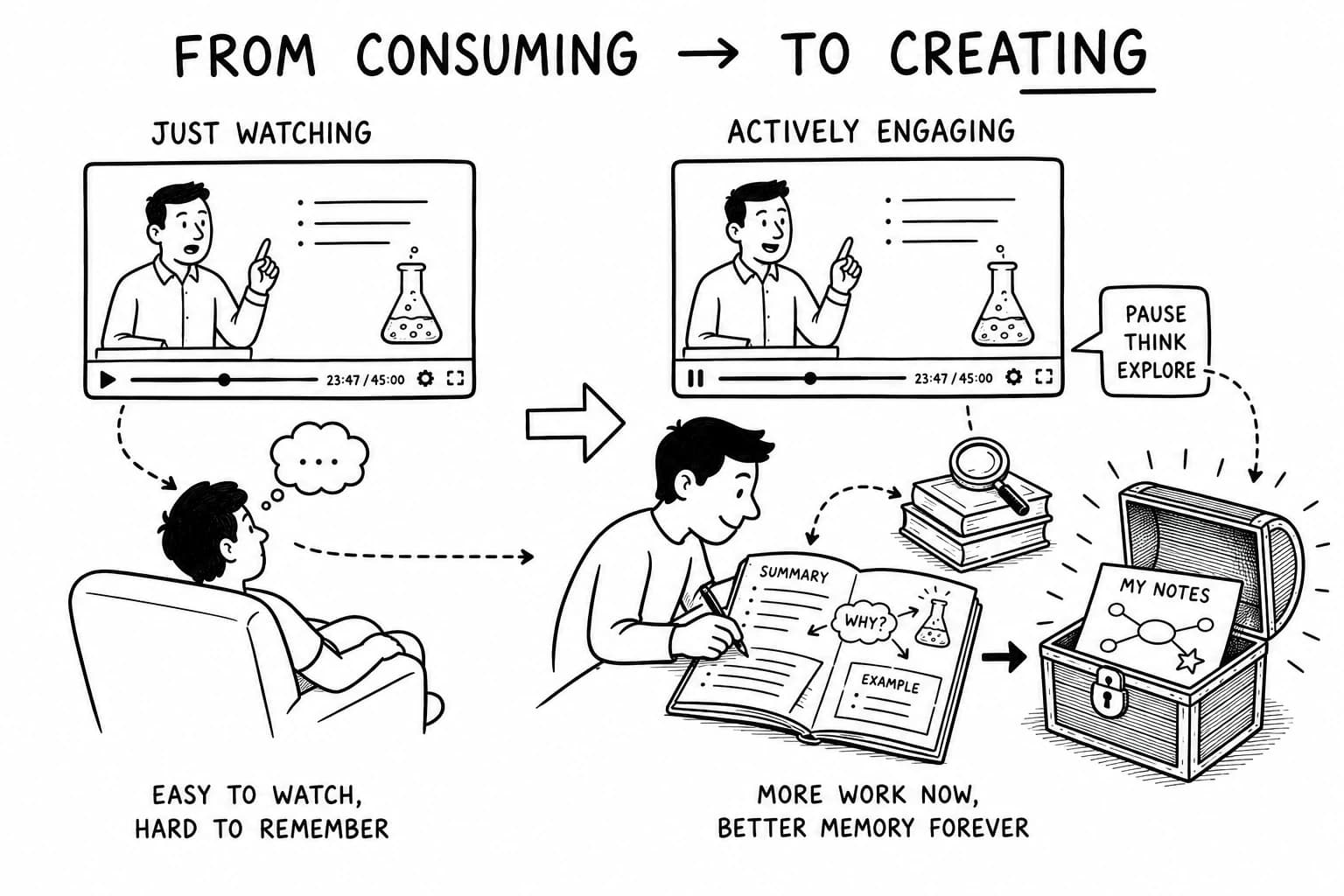
Learners can devote more time to understanding explanations, checking examples, and practicing skills. Personal annotations remain valuable for questions and insights that automated summaries may overlook.
Improve Knowledge Retention and Recall
Organized notes support review, while flashcards and practice questions test whether learners can retrieve information independently.
Mind maps make conceptual relationships visible. Reconstructing those relationships from memory can reveal gaps that passive rereading leaves unnoticed.
Roediger and Karpicke's experiments found that retrieval practice improved delayed retention compared with repeated study under the conditions they tested (2006 study). Summaries organize the material; self-testing checks whether learners can retrieve and explain it.
Connect Ideas Across Course Materials
Cross-source synthesis identifies concepts shared by lectures, readings, and supplementary documents.
These connections help learners understand how explanations contribute to the same subject and where sources use different assumptions or reach different conclusions. Preserve meaningful differences so that the synthesis remains faithful to the material.
Prepare Revision Notes for Assessments
Assessment-oriented notes organize learning objectives, definitions, important methods, and commonly confused concepts.
Use practice questions to test understanding, then revisit the original material for any answer you cannot explain confidently. AI-generated revision notes should align with the course's actual learning objectives and assessment requirements.
Generate Flashcards and Practice Questions from Course Notes
Flashcards help learners retrieve definitions, terminology, formulas, and concise explanations. Practice questions test conceptual understanding and application.
For technical courses, include tasks that require interpreting results, explaining a method, or solving a new problem. These activities reveal whether learners can use the material independently.
Frequently Asked Questions
How Do I Summarize Coursera Courses with ChatGPT?
Provide an available course transcript or supported document. Ask ChatGPT to identify learning objectives, key concepts, examples, and conclusions. Summarize lessons individually, verify important details, and combine the notes into module summaries or a course mind map.
What Is the Best AI Summarizer for Coursera?
The best option depends on source access, transcript support, visual content, course length, and export requirements. Compare ChatGPT, source-based notebook tools, and transcript summarizers using the same lesson before choosing a workflow.
Is There a Free Tool to Summarize Coursera Courses?
Free options may include ChatGPT workflows and tools with free usage tiers. Availability and limits vary by product and plan. Check supported inputs, quotas, and export restrictions before processing an entire course.
Can ChatGPT Summarize Coursera Videos and Transcripts?
ChatGPT can summarize supplied transcripts and supported files. Direct video processing depends on the available input features and workflow. For transcript-based analysis, provide the lecture text and verify visual details against the original video.
Can I Connect Ideas Across Coursera Course Materials in a PDF?
Yes. Provide supported PDFs and related course notes, then ask ChatGPT to identify shared concepts, dependencies, and differences. Keep source references attached to important claims so you can verify the synthesis.
Can AI Generate Mind Maps from Coursera Courses?
Yes. An AI mind map generator can organize supported transcripts or structured notes into connected concepts. Review the hierarchy to ensure important ideas and relationships accurately represent the course.
Can I Summarize Coursera Lessons Without Transcripts?
You can use other supported materials, such as lecture notes, reading documents, and relevant text. Speech-to-text can help create a transcript where permitted. Visual details may require separate inspection of the original video or supported image inputs.
What Is Coursera AI and How Can It Support Learning?
The phrase may refer to AI features offered by Coursera or external AI tools used with Coursera materials. These are different workflows. Check the specific product or feature before assuming it provides transcript summarization or mind mapping.
How Can I Verify AI-Generated Coursera Course Notes?
Compare important claims with the original transcript, reading, or lecture. Check definitions, numbers, examples, and conclusions, and confirm that each module is represented. Treat unsupported or ambiguous statements as items requiring further review.
Explore Related AI Learning Tools
Different tools support different stages of learning. Explore a related workflow when it provides a useful next step.
AI Course Summarizer
An AI course summarizer organizes available lesson content into summaries and structured notes. It helps learners review course material without searching through every lesson.
AI Video Summarizer
An AI video summarizer condenses supported video content into highlights and summaries. It can support learning from educational recordings and demonstrations outside formal courses.
YouTube Transcript Summarizer
A YouTube transcript summarizer organizes available video transcripts into key points and study notes. It complements Coursera learning when supplementary tutorials and lectures provide additional explanations.
AI PDF Summarizer
An AI PDF summarizer extracts important information from supported documents, including course handouts, textbooks, and supplementary readings.
AI Mind Map Generator
An AI mind map generator transforms supported text into visual structures of connected concepts. It helps learners organize course topics and inspect relationships between ideas.
AI Research Assistant
An AI research assistant helps organize sources, compare explanations, and synthesize evidence across documents. It is useful when a course introduces concepts that require further investigation.
Turn Coursera Course Summaries into Connected Knowledge
ChatGPT can transform available course materials into structured summaries; source verification protects accuracy, and mind maps reveal conceptual relationships.
A strong workflow connects every stage: summarize individual lessons, organize module notes, map relationships across the course, and test understanding with questions.
With y2map, learners can extend text-based summarization into visual knowledge organization. Maps make course concepts easier to navigate, revisit, and connect with other material.
The result is a reusable understanding of the subject that remains accessible after the course ends.