Best Tools to Summarize Udemy Courses: AI Lecture Notes and Mind Maps
The best tools to summarize Udemy courses turn video lessons into structured summaries, searchable notes, and reusable study materials. Depending on the tool, learners can extract information from transcripts, capture important moments in videos, organize lessons by topic, and convert course content into visual mind maps.
 An online course can contain hours of explanations, demonstrations, code snippets, diagrams, and supporting examples. Finishing the videos is one task; finding a particular explanation three weeks later is another. Your memory, regrettably, does not come with a search bar.
An AI Udemy summarizer organizes spoken content into notes. Visual note-taking tools capture information displayed on screen. A course-wide mind map connects concepts across lectures.
The right choice depends on the job: quick lecture summaries, detailed technical notes, visual capture, or a connected map of the entire course.
Summarize Udemy Courses with AI
An AI course summarizer extracts information from available transcripts or other supported inputs and organizes it into concise summaries. Its usefulness depends on source quality, lecture structure, and whether the output preserves the instructor's reasoning.
Find the Best Free Tool to Summarize Udemy Courses
A free Udemy course summarizer can generate lecture summaries and study notes without adding another subscription to your learning budget.
Compare free-plan limits, including supported inputs, lecture duration, daily usage, export formats, and access to advanced features. A tool that handles one short lesson may struggle with a course containing dozens of lectures. “Free” is a pricing category, not a technical specification.
Generate Course Summaries from Transcripts
Transcript-based summarization converts spoken explanations into structured text. An AI Udemy transcript summarizer can identify key points, definitions, examples, and claims. Timestamps, when available, help learners return to the relevant moment.
Transcript quality sets the ceiling. Missing captions, recognition errors, accents, and incorrect technical vocabulary can distort the summary. Check code names, formulas, commands, and unfamiliar terms against the lecture.
Extract Key Concepts and Create Study Notes
Key-concept extraction should distinguish the main principle from its demonstrations and supporting details. For technical lessons, preserve relevant code, commands, formulas, and the conditions under which a method works.
Organize notes by lecture, module, and topic. Include the lesson objective, key concepts, examples, conclusions, and revision questions. Retain personal observations and unresolved questions so the notes record what you still need to understand.
Export PDF Notes and Summarize in Different Languages
PDF notes are convenient to save, print, and review offline. Check whether your tool exports PDFs directly or produces Markdown or plain text that requires conversion. Verify that links, timestamps, code formatting, and source references survive export.
Multilingual summarization can produce notes in a learner's preferred language. Translation and summarization can each introduce errors, so check technical terms, names, and context-specific expressions against the original lesson.
Convert Udemy Lectures into Visual Notes and Mind Maps
Transcript summaries, visual lecture notes, and course-wide mind maps serve different purposes. A transcript summary organizes spoken explanations. Visual notes preserve information shown on screen. A mind map shows how concepts relate across lessons.
Capture Code, Slides, and Diagrams from Video Lectures
Transcript-only tools miss information displayed on screen. Programming, mathematics, and design lessons often rely on code, equations, diagrams, and visual demonstrations.
HoverNotes describes a workflow for capturing timestamped screenshots of code, equations, and diagrams while taking structured notes. Its published product page also describes local-first note storage. Check current features, supported video sources, and privacy documentation before relying on these capabilities.
For visual or technical courses, evaluate whether the tool captures the demonstration as well as the instructor's speech.
Create AI Mind Maps from Udemy Courses
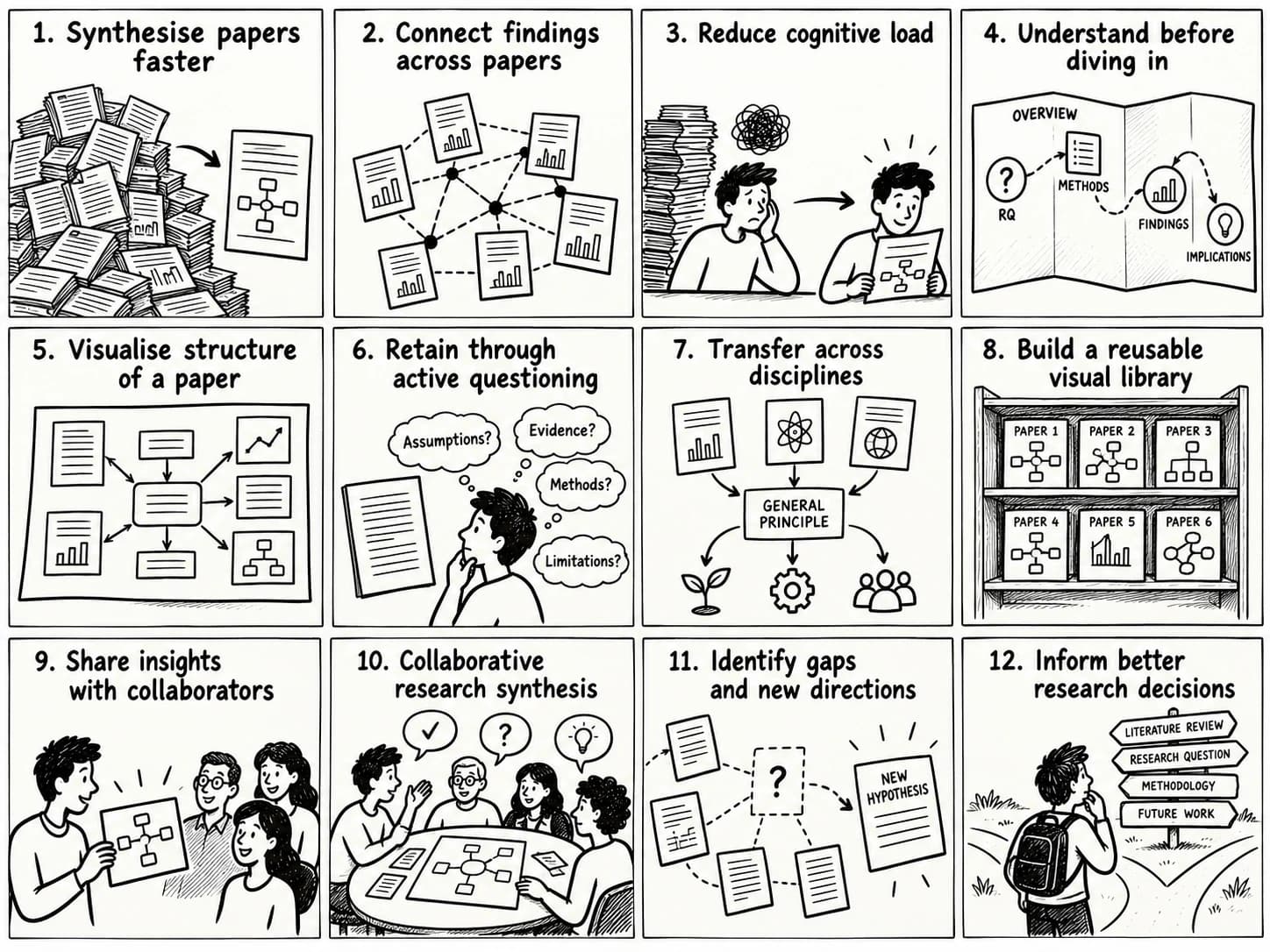
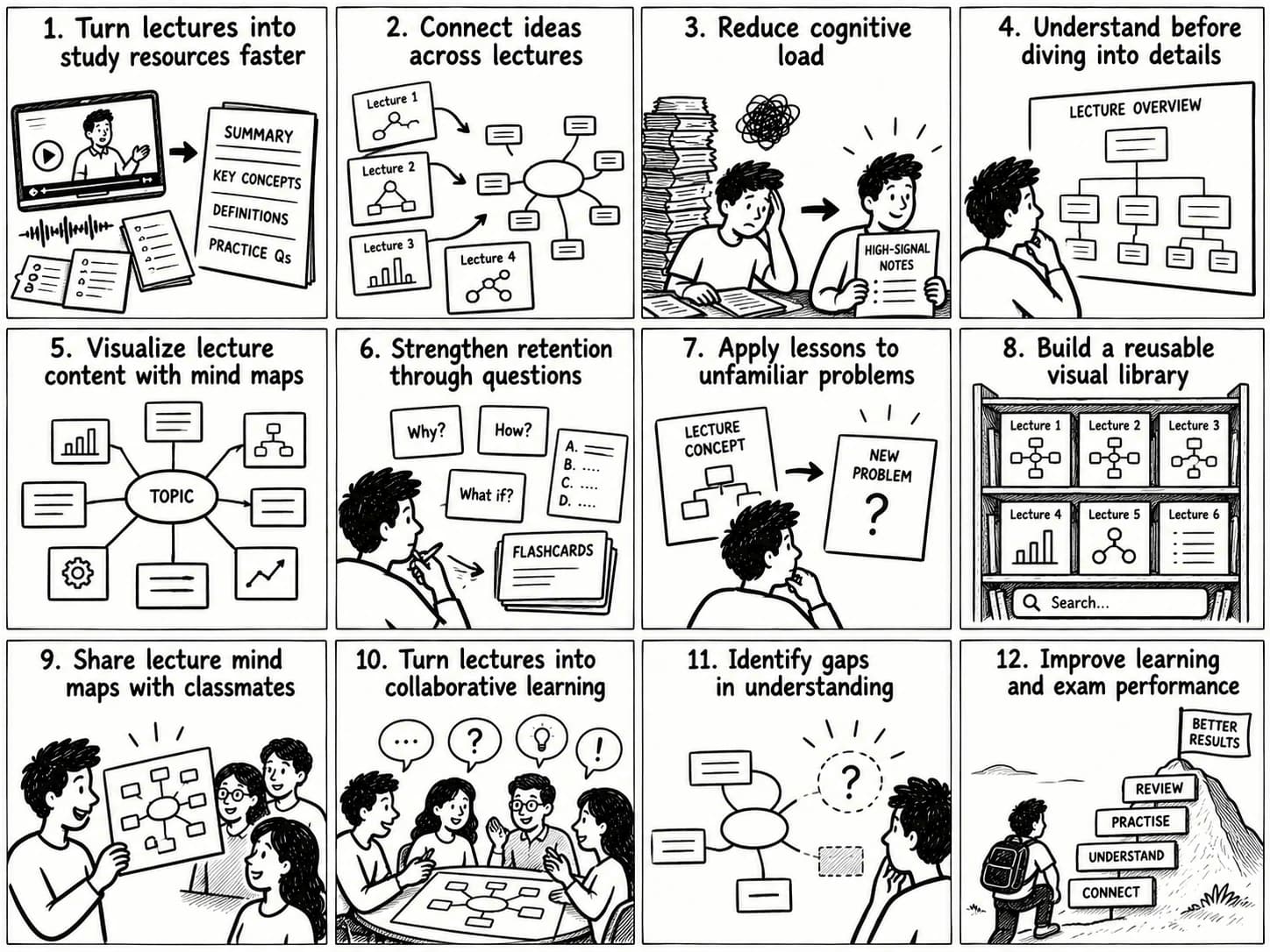
An Udemy course mind map organizes lecture concepts into a visual hierarchy. It shows how individual lessons contribute to broader topics and makes a multi-module course easier to navigate.
A transcript-to-mind-map workflow turns lecture text into a central topic, supporting branches, and related concepts. A programming course might branch into language fundamentals, data structures, debugging, and application development. A business course might group lessons around strategy, operations, marketing, and measurement.
With y2map, learners can turn supported text into AI-generated mind maps that organize complex material visually.
Connect Concepts Across Course Modules
Course-wide concept mapping links ideas introduced in different modules. An advanced technique may depend on a definition from an early lecture, while a later project may combine several previously taught skills.
Keep links to the relevant lectures so each branch remains traceable to its source. This lets you navigate from a broad concept to the explanation, example, or demonstration that supports it.
Export and Review Mind Maps
Export options determine how easily course materials fit into an existing workflow. Tools may support images, PDFs, Markdown, or editable mind map files.
Check whether the export preserves hierarchy, links, timestamps, code formatting, and source references. A diagram that looks good but loses its structure when exported may be difficult to reuse.
Best AI Tools for Summarizing Online Courses
The best online course summarizer depends on the available inputs and the desired output. Transcript-based tools focus on spoken content; visual note-taking workflows capture information on screen; source-based notebooks organize supplied documents.
Product features, pricing, limits, and platform support change. Verify current official documentation before choosing a tool.
NoteGPT for Udemy Course Summaries
NoteGPT is worth evaluating for learners who want AI summaries and notes from supported video or transcript workflows.
Check its current Udemy support, transcript handling, timestamps, course-length limits, and export options. These details determine whether it suits a single lecture or a full course.
NotebookLM for Course Materials
NotebookLM works with supplied source materials to produce source-grounded summaries and answers. It can help organize eligible transcripts, notes, and supporting documents, subject to current format and source limits.
Do not assume it directly imports every Udemy course or automatically extracts every video. Prepare supported materials first, then check whether its answers can be traced to the relevant source.
Otter AI for Lecture Transcription
Otter AI focuses on speech transcription and related note-taking workflows. It may suit learners who need spoken content converted into searchable text.
Before using it with prerecorded Udemy lectures, verify current import options, supported audio or video formats, transcription limits, and summary features. Speech transcription captures spoken language; it does not automatically preserve on-screen code and diagrams.
HoverNotes for Visual Lecture Notes
HoverNotes focuses on notes taken alongside video, including timestamped screenshots of visual material. This makes it relevant to technical courses where a transcript misses part of the lesson.
Verify supported video sources, browser compatibility, pricing, and privacy details before adopting it.
Compare Tools by Transcript Support, Accuracy, and Export Options
Use the same evaluation criteria for every Udemy course summarizer.
| Evaluation criterion | What to check |
|---|---|
| Input support | Udemy URLs, available transcripts, uploaded files, audio, or video |
| Transcript quality | Technical vocabulary, accents, and transcription errors |
| Lecture length | Duration limits, text limits, and support for long courses |
| Visual capture | Screenshots of code, equations, slides, and diagrams |
| Timestamps | Links from notes to the relevant source moment |
| Course organization | Lecture summaries, module groupings, and course-wide maps |
| Export options | PDF, Markdown, images, or editable formats |
| Privacy | Data retention, model-training policies, and access permissions |
| Cost | Free usage, subscription limits, and paid features |
Test shortlisted tools on the same lecture. Compare missing concepts, incorrect claims, note usefulness, and the time required to retrieve the original explanation. A small benchmark using real course material is more informative than a feature list alone.
How to Summarize a Udemy Course with AI
A repeatable workflow turns lecture content into study materials that are easier to verify, navigate, and reuse.
Step 1: Access Course Transcripts and Learning Materials
Check whether the lecture provides captions or a transcript and whether supporting resources are downloadable. Availability depends on the course and platform settings.
Use authorized access methods and confirm that the material is suitable for processing with the chosen tool. Technical access does not automatically grant permission to reuse or upload course content.
Step 2: Generate AI-Powered Course Summaries
Provide the available transcript or other supported material and request a structured summary. Ask for the main concepts, definitions, demonstrations, examples, and conclusions.
Specify the desired level of detail and preserve technical terms needed to apply the lesson. For code-heavy lectures, request code blocks and note the assumptions or dependencies behind each example.
Step 3: Organize Notes by Lecture and Topic
Store each summary under its lecture and module, then group related notes by concept. This creates two routes through the material: the original course sequence and the conceptual structure of the subject.
Retain lecture titles and timestamps so you can return to the source without searching through the entire course.
Step 4: Convert Course Notes into Mind Maps
Turn verified notes into a visual hierarchy of main topics and supporting concepts. Use branches for major themes, then connect concepts that depend on or explain one another.
With y2map, learners can organize supported text into an AI-generated visual learning structure. Review the resulting map for missing concepts and misleading connections.
Step 5: Export and Test Your Study Materials
Export notes and maps in formats that suit your workflow, and store them with source references and personal annotations.
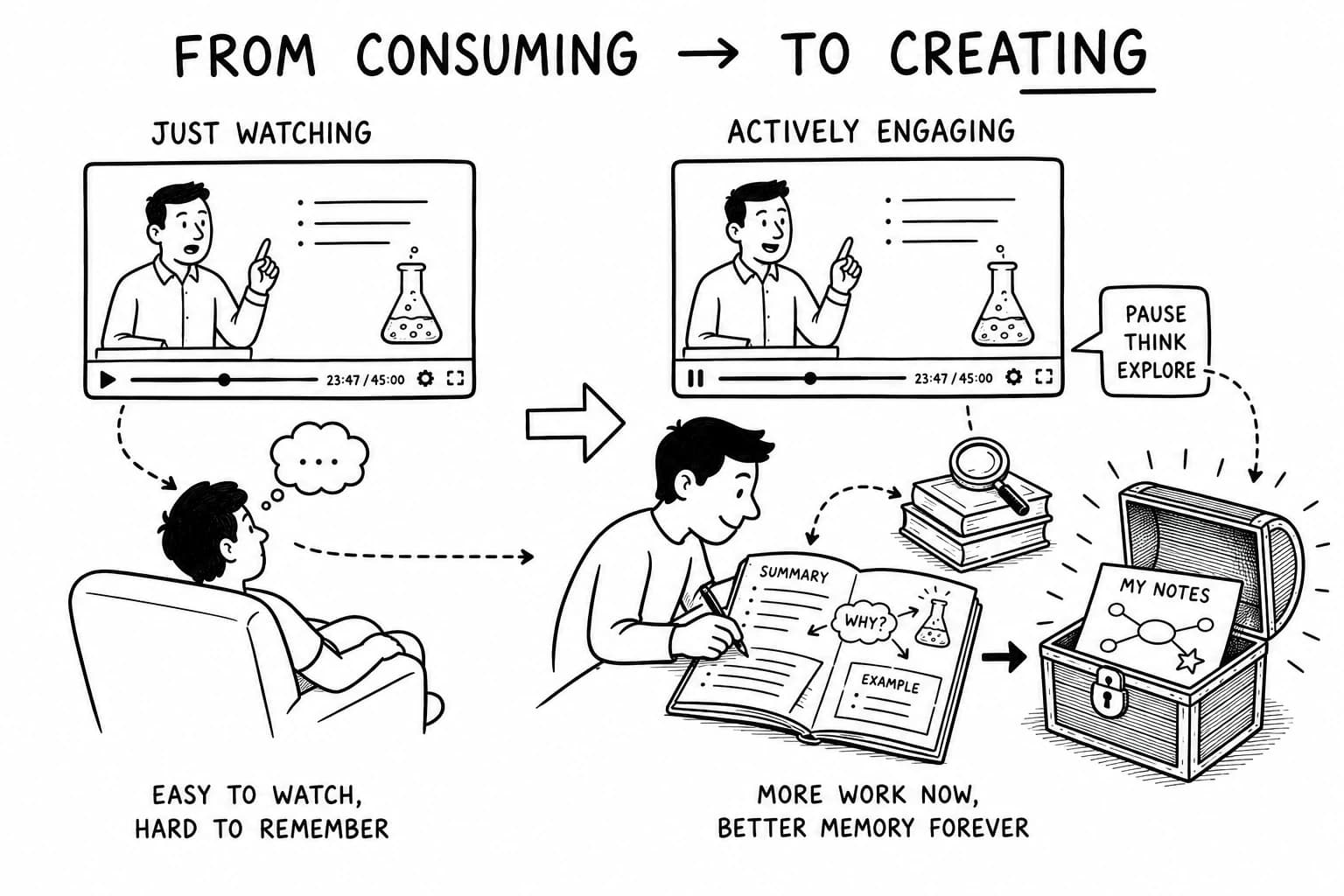
Then explain the concepts without looking at the notes, answer practice questions, and revisit the original lecture when a detail remains unclear. Research by Roediger and Karpicke found that retrieval practice improved delayed retention compared with repeated study in their experiments (2006 study).
Handle Lectures with Missing or Inaccurate Transcripts
If captions are unavailable, use a compatible speech-to-text tool to create a transcript from an authorized source, where permitted. Correct technical terms, names, equations, and ambiguous passages before summarizing.
If transcription is impractical, use available course materials, manual notes, or a tool that supports the relevant video input. Do not treat a polished summary as proof that the underlying transcript was accurate.
Benefits of AI-Powered Course Summarization
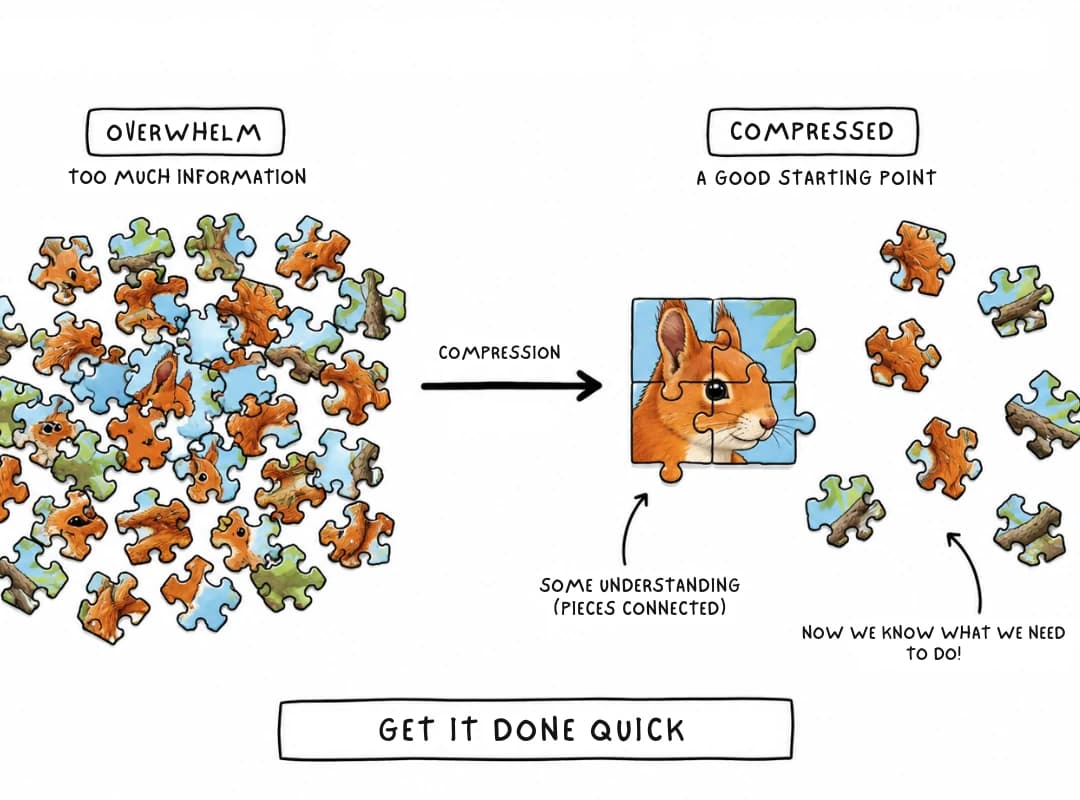
AI-powered course summarization makes long lectures easier to navigate and their concepts easier to revisit. Its learning value depends on source quality and what learners do with the output.
Learn Key Concepts Faster
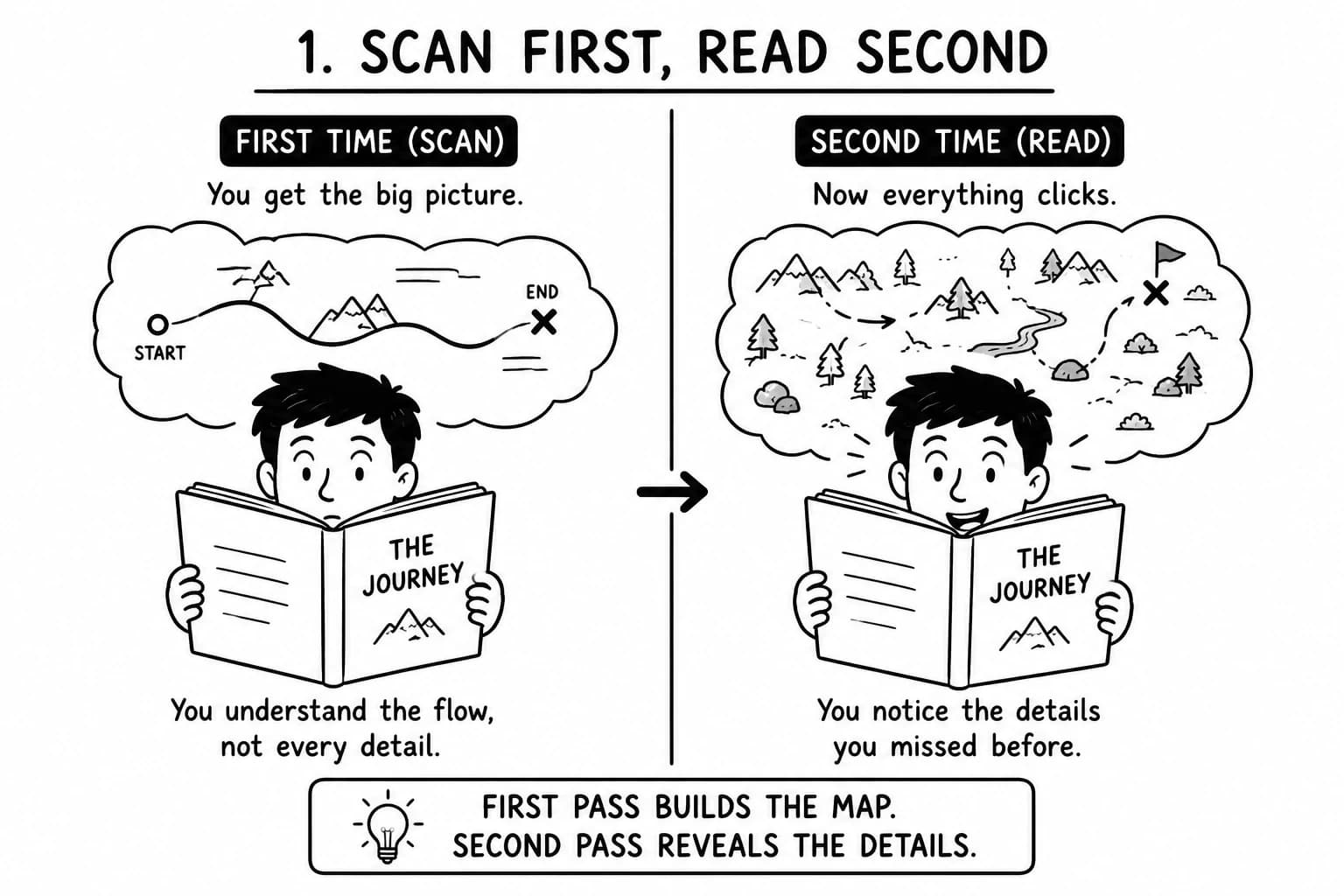
Structured summaries provide an overview of a lecture's central concepts and supporting explanations. Learners can identify unfamiliar topics and prioritize sections that deserve closer attention.
The overview is a map of the terrain. Difficult passages still deserve a visit.
Reduce Manual Note-Taking
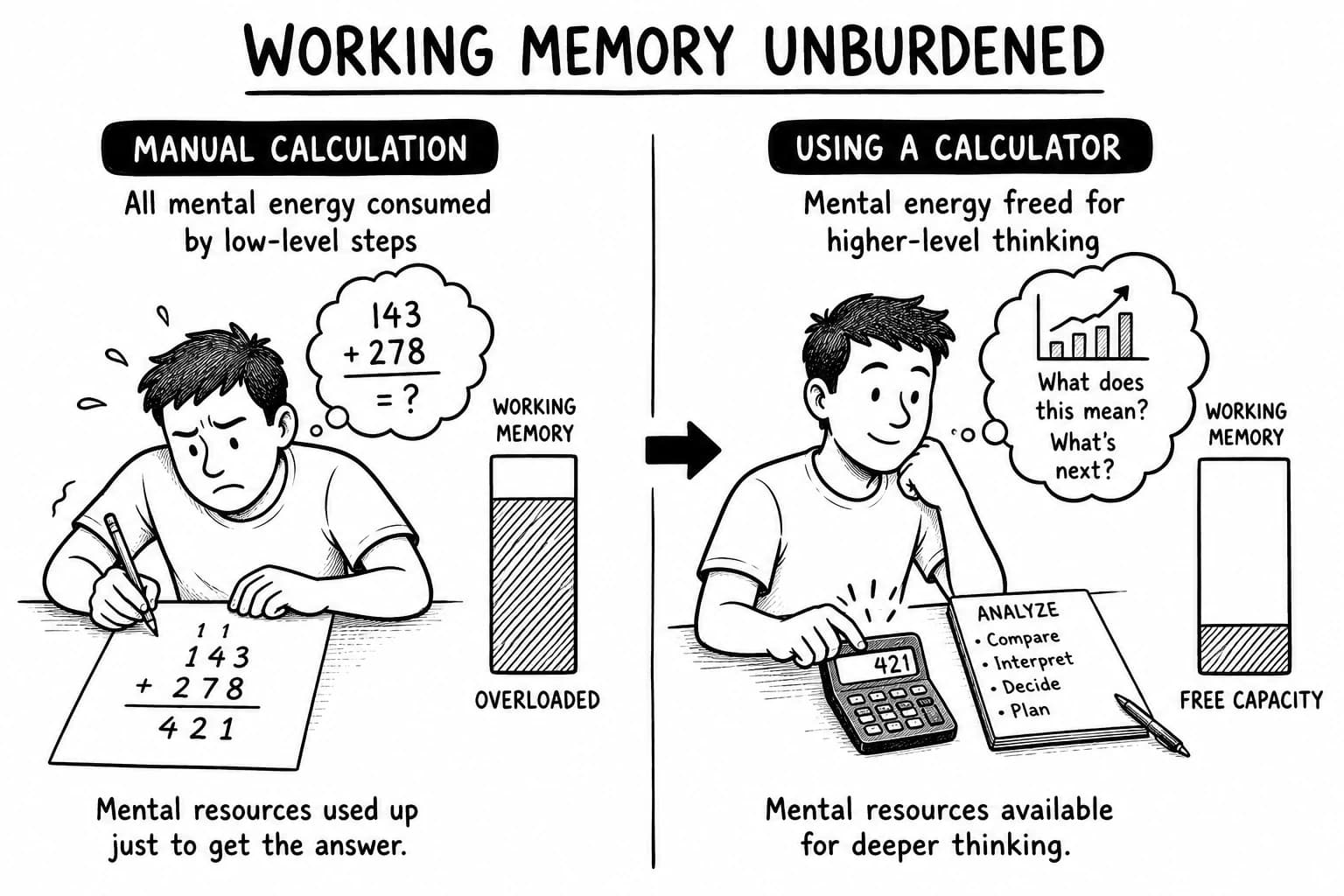
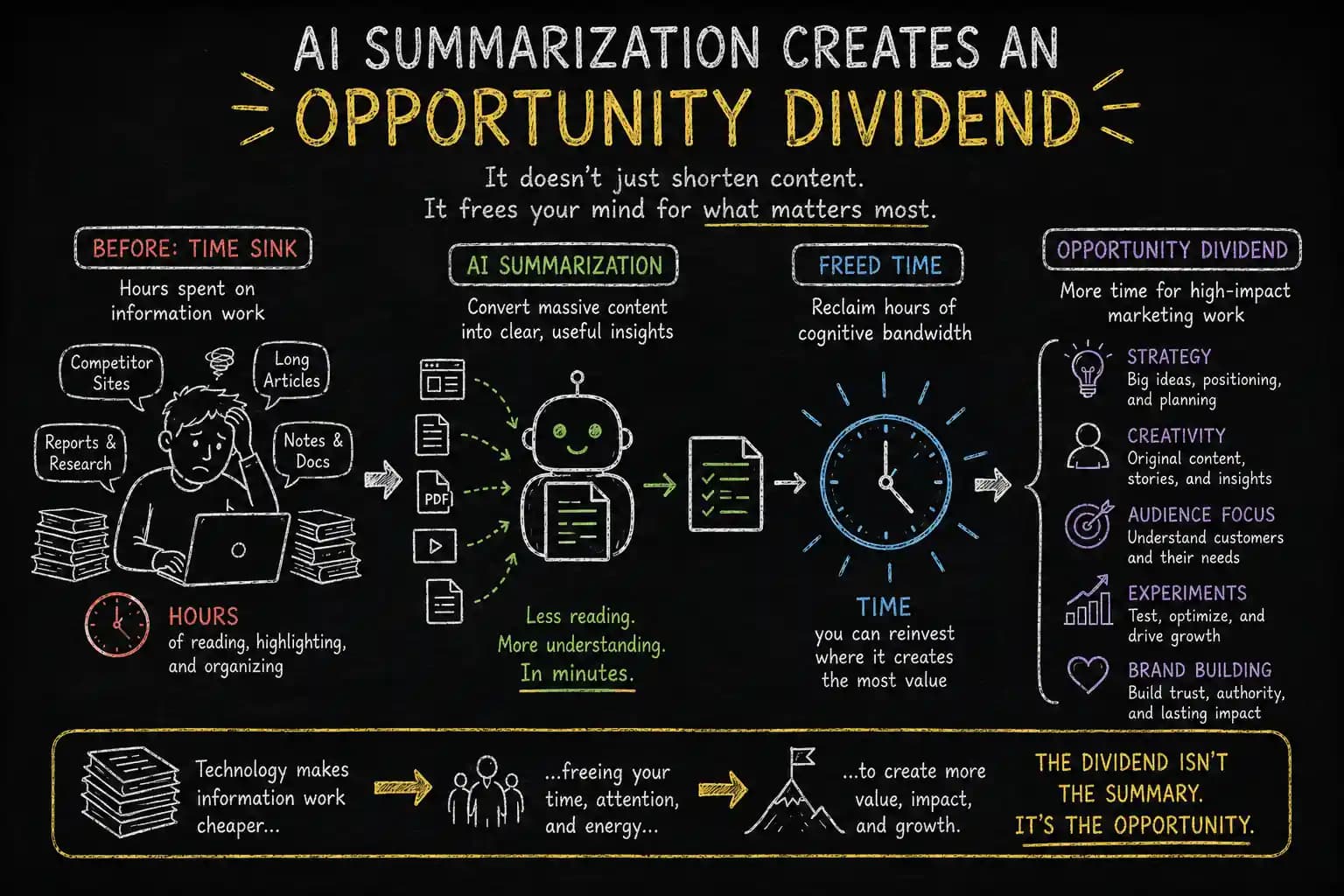
Automated notes reduce repetitive transcription and formatting. Learners can redirect that effort toward checking explanations, practicing skills, solving problems, and connecting new information to existing knowledge.
Add personal observations and unresolved questions. An automated record of the lecture cannot tell you which point confused you.
Improve Knowledge Retention and Recall
Organized notes support review; practice questions test what learners can retrieve independently. Mind maps make conceptual relationships visible, while spaced review creates further opportunities to reconstruct them.
Dunlosky and colleagues' 2013 review rated practice testing and distributed practice among the most broadly useful learning techniques they evaluated (review). Summaries and maps help organize material; retrieval and spaced practice help learners work with it over time.
Review Long Courses Efficiently
Course-level summaries provide an overview of lengthy programs and make individual lessons easier to locate. Lecture notes preserve detail, module outlines show progression, and a course-wide map reveals connections between topics.
You can return to the relevant lesson instead of searching through every video as though the course were a digital haystack.
Build a Searchable Library of Course Notes
A searchable library stores lecture summaries, definitions, examples, and maps in one organized system. Topic labels and consistent source references help learners retrieve information across courses.
Over time, the library can connect concepts taught by different instructors. The goal is to find and use knowledge, not to maintain a museum of completed courses.
Generate Flashcards and Practice Questions
Flashcards can test definitions, formulas, terminology, and concise explanations. Practice questions can test application: write code, explain a result, compare approaches, or diagnose an error.
These questions reveal whether you can use the knowledge, not merely recognize its vocabulary. “I've seen this before” is familiarity; solving the problem is stronger evidence.
Frequently Asked Questions
What Is the Best Tool to Summarize Udemy Courses for Free?
The best free tool depends on transcript availability, lecture length, export options, and usage limits. Compare current free plans and test shortlisted tools on the same lecture before choosing one.
How Can I Summarize a Udemy Course into a PDF?
Generate a structured summary from available course content, organize it by module and topic, then export it through a supported feature or document editor. Verify important claims against the original lecture before relying on the PDF.
Can AI Generate Notes from Udemy Courses?
Yes. AI tools can generate notes from supported transcripts, text, audio, or video inputs. Direct course integration, video processing, and export features vary, so confirm the workflow before committing to a tool.
How Do I Get Transcripts from Udemy Lectures?
Check whether the lecture provides captions or a transcript and use the access options available for that course. If a transcript is unavailable, consider permitted transcription methods or other authorized learning materials.
Can NotebookLM Summarize Udemy Course Materials?
NotebookLM can analyze supported source materials supplied to it. Eligible transcripts and notes may be used within current format and source limits; do not assume every Udemy video can be imported directly.
Is NoteGPT Useful for Summarizing Udemy Courses?
NoteGPT is worth evaluating for transcript-based summaries. Check its current Udemy workflow, supported lecture lengths, timestamp handling, and export options against your needs.
Which AI Tool Is Best for Online Course Notes?
Choose a transcript summarizer for spoken content, a visual note-taking tool for code and diagrams, or a source-based notebook for organizing multiple documents. A course-wide mind map helps when connections across lessons are central to the task.
Can AI Summarize Course Videos Without Transcripts?
Some tools process supported audio or video directly; others require a transcript. Speech recognition can create text where permitted, while capturing visual information may require separate video-analysis or screenshot features.
Is It Safe and Permitted to Upload Udemy Course Materials to AI Tools?
Check applicable copyright rules, platform terms, course permissions, and the AI provider's data-handling policy before uploading materials. Technical access does not establish permission, and privacy practices vary by provider.
Explore Related AI Learning Tools
Different tools address different stages of working with information. Choose one based on the source material and the result you need.
- AI Video Summarizer: Condenses supported videos into key points, highlights, and structured summaries.
- YouTube Video Summarizer: Converts supported videos into concise summaries and notes for supplementary tutorials and lectures.
- AI Transcript Summarizer: Organizes spoken content into summaries, key points, and searchable notes.
- AI PDF Summarizer: Extracts and organizes information from supported course handouts, textbooks, and supplementary reading.
- AI Mind Map Generator: Turns supported text into visual representations of connected concepts.
Link each resource to its verified production page when publishing.
Turn Udemy Lectures into Connected Knowledge
An AI Udemy summarizer can turn lecture transcripts into concise notes. Visual note-taking captures demonstrations that transcripts miss, while course-wide mind maps connect ideas across modules.
The result is a reusable learning system: summaries provide orientation, structured notes preserve detail, and maps reveal how concepts fit together. Retrieval practice and distributed practice add a review process that helps learners recall and apply the material over time.
With y2map, learners can extend text summarization into visual knowledge organization. Map the concepts, inspect their relationships, and test your understanding against the original lessons.
A completed course is a record of time spent. Knowledge you can retrieve, explain, and apply is the return on that investment.