LinkedIn Learning Summary AI: Turn Courses into Notes and Mind Maps
A LinkedIn Learning course can teach you a useful skill in an afternoon. Remembering the important parts a week later is a separate project.
Video lessons arrive in a steady stream: definitions, demonstrations, examples, and the occasional sentence that sounds obvious until you need to use it. Rewatching everything is possible. So is building a second career as a professional video scrubber.
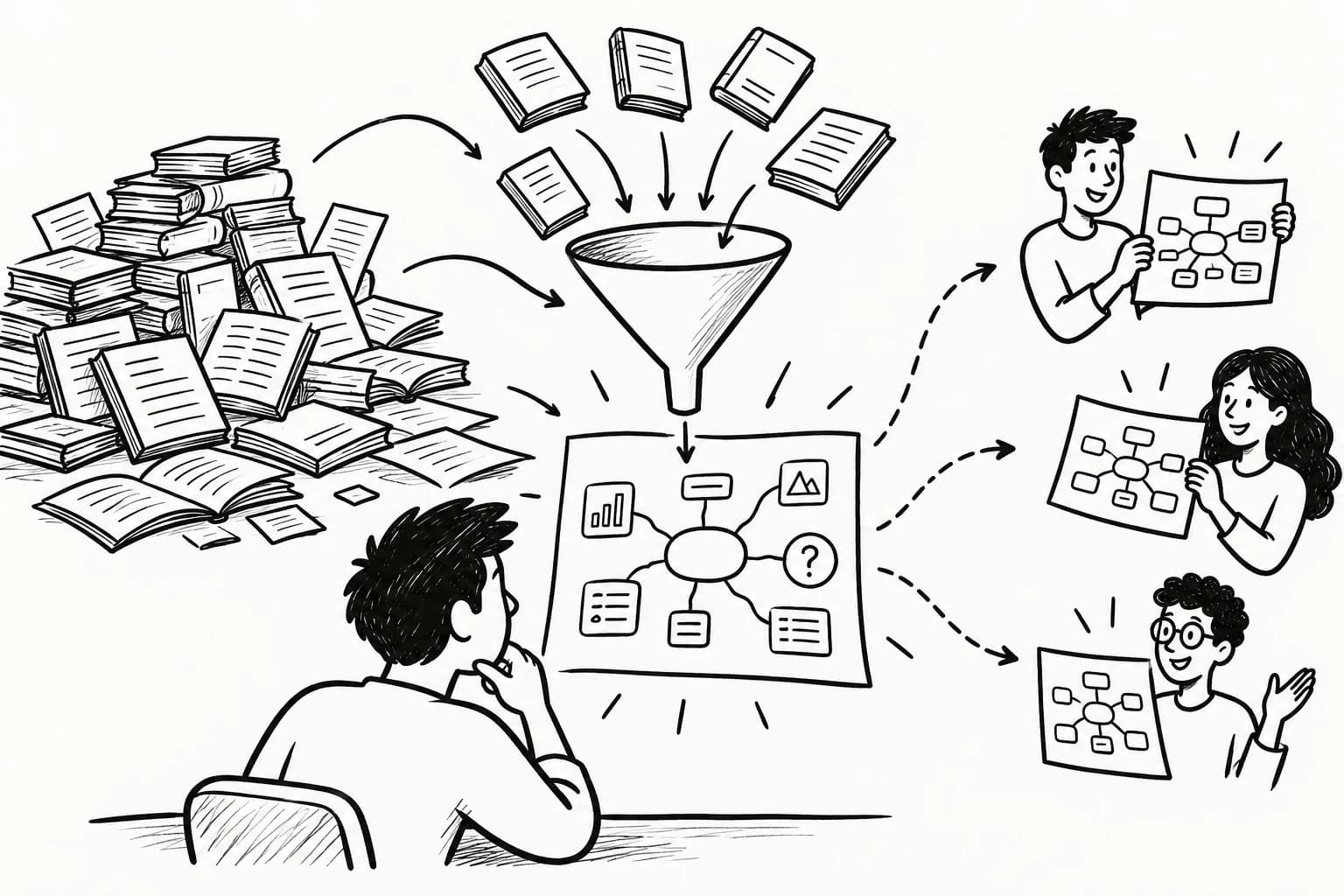
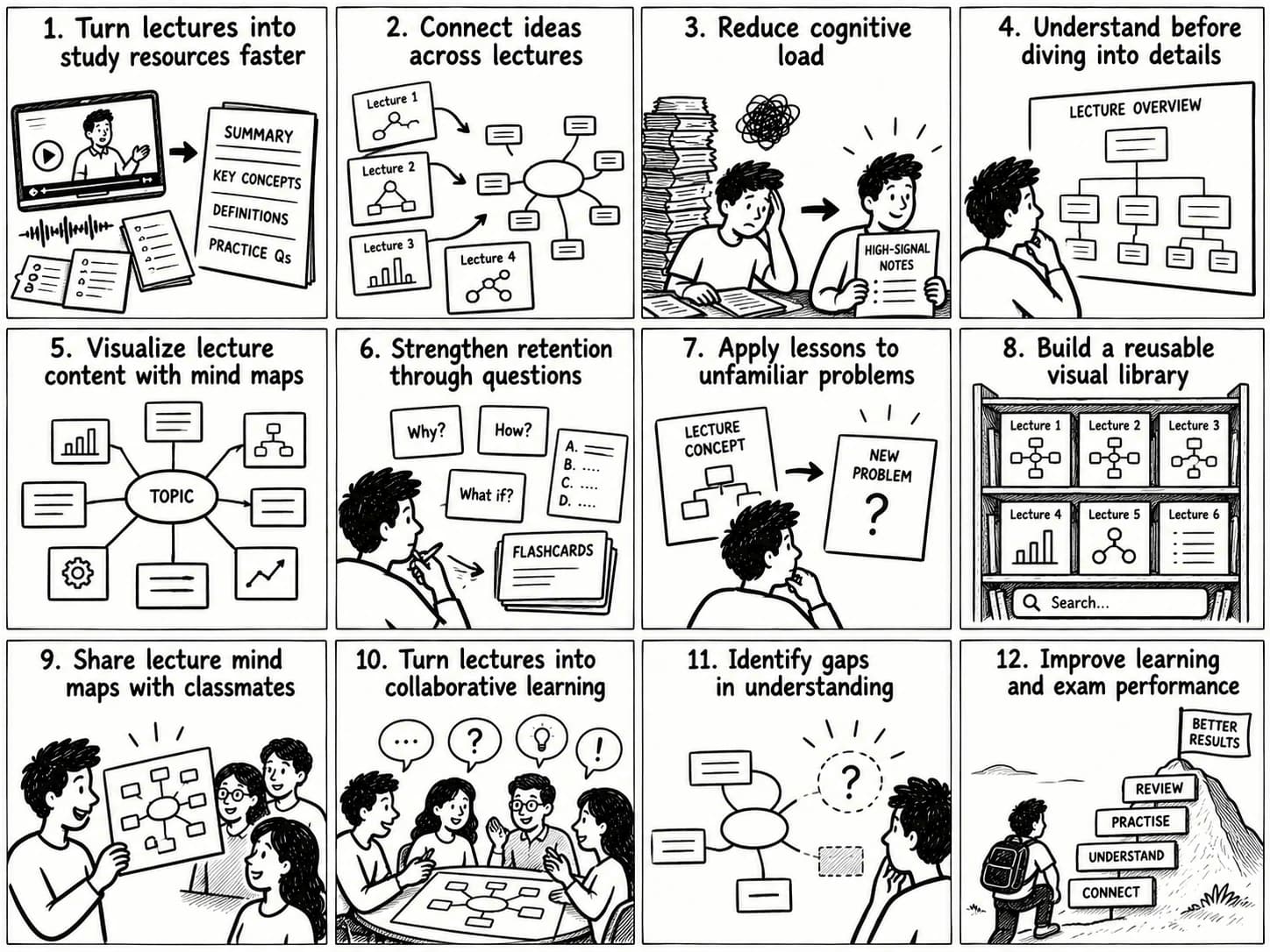
A LinkedIn Learning summary AI workflow gives each course a more useful afterlife: concise notes, an outline of the main ideas, questions for review, and—when the subject benefits from it—a mind map showing how the ideas connect.
The goal is practical: spend less time hunting through lessons and more time retrieving, testing, and applying what you learned.
What Is a LinkedIn Learning Summary AI Tool?
A LinkedIn Learning summary AI tool uses artificial intelligence to condense course material into a shorter, more navigable format. Depending on the source material and tool, the output may include:
- A short overview of the course.
- Lesson-by-lesson summaries.
- Key concepts, definitions, and examples.
- Action items or step-by-step procedures.
- Flashcards and questions for self-testing.
- A structured outline or visual mind map.
The quality depends on what the AI can actually access. If you provide a transcript, captions, notes, or course documents, the system can summarize that material. If it receives only a course title or short description, it cannot reliably reconstruct every example and distinction from the lessons.
A polished summary based on incomplete input can sound like a diligent student who attended the wrong class.
Why Summarize LinkedIn Learning Courses with AI?
Find useful ideas faster
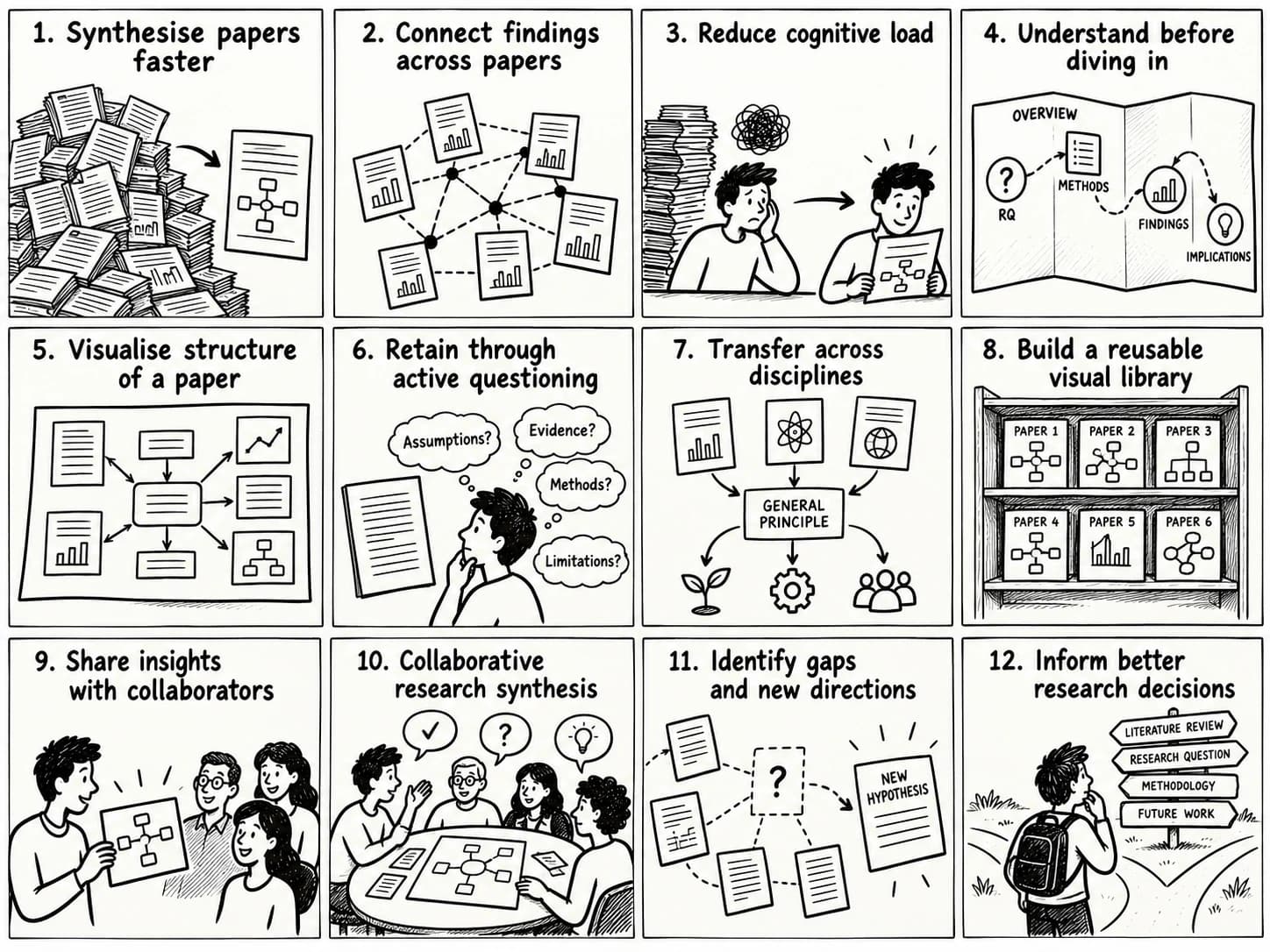
A summary gives you a quick route back to the main concepts without requiring another full viewing session. This is especially useful when a course contains several lessons and you remember the topic but not where a particular explanation appeared.
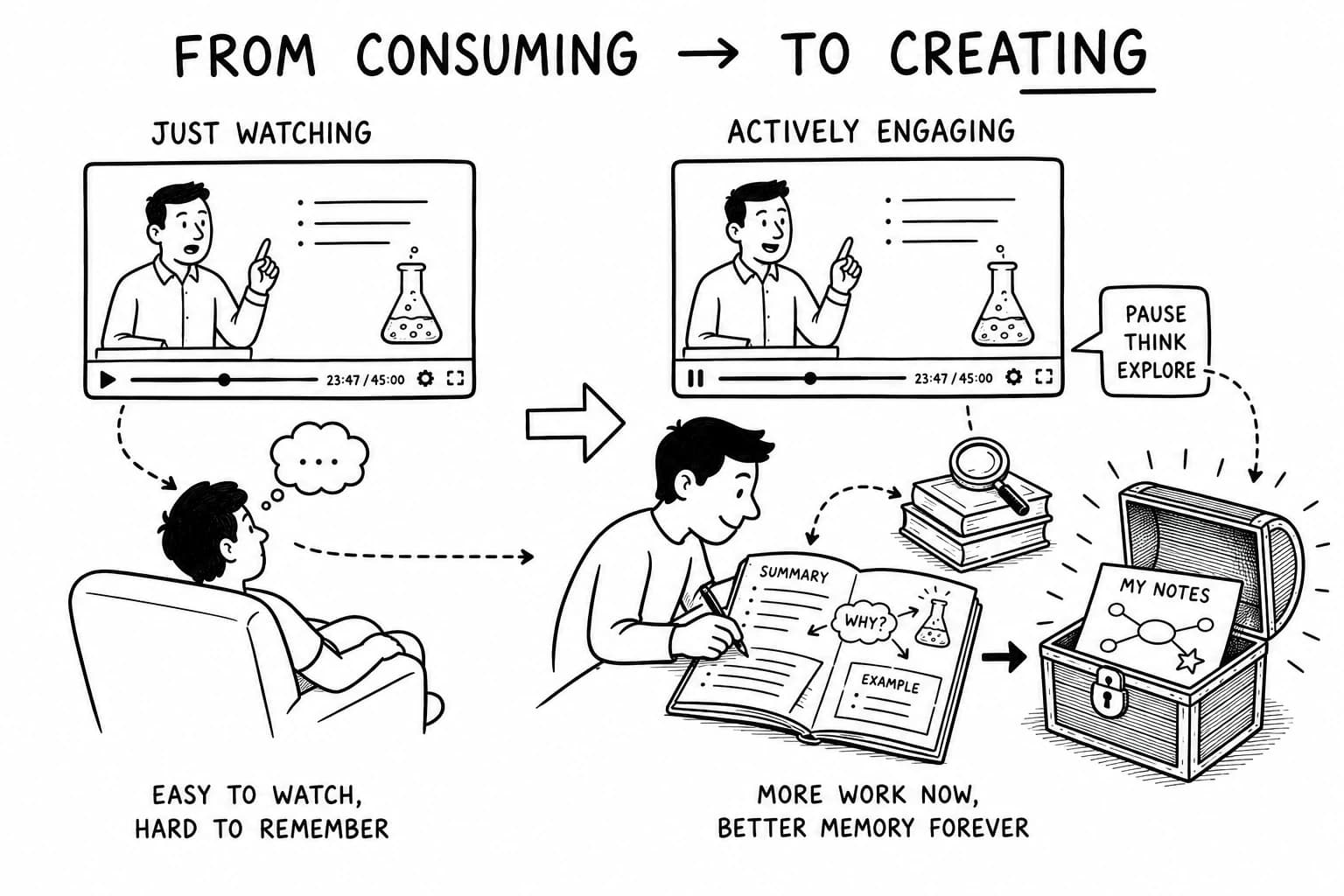
Turn passive viewing into active learning
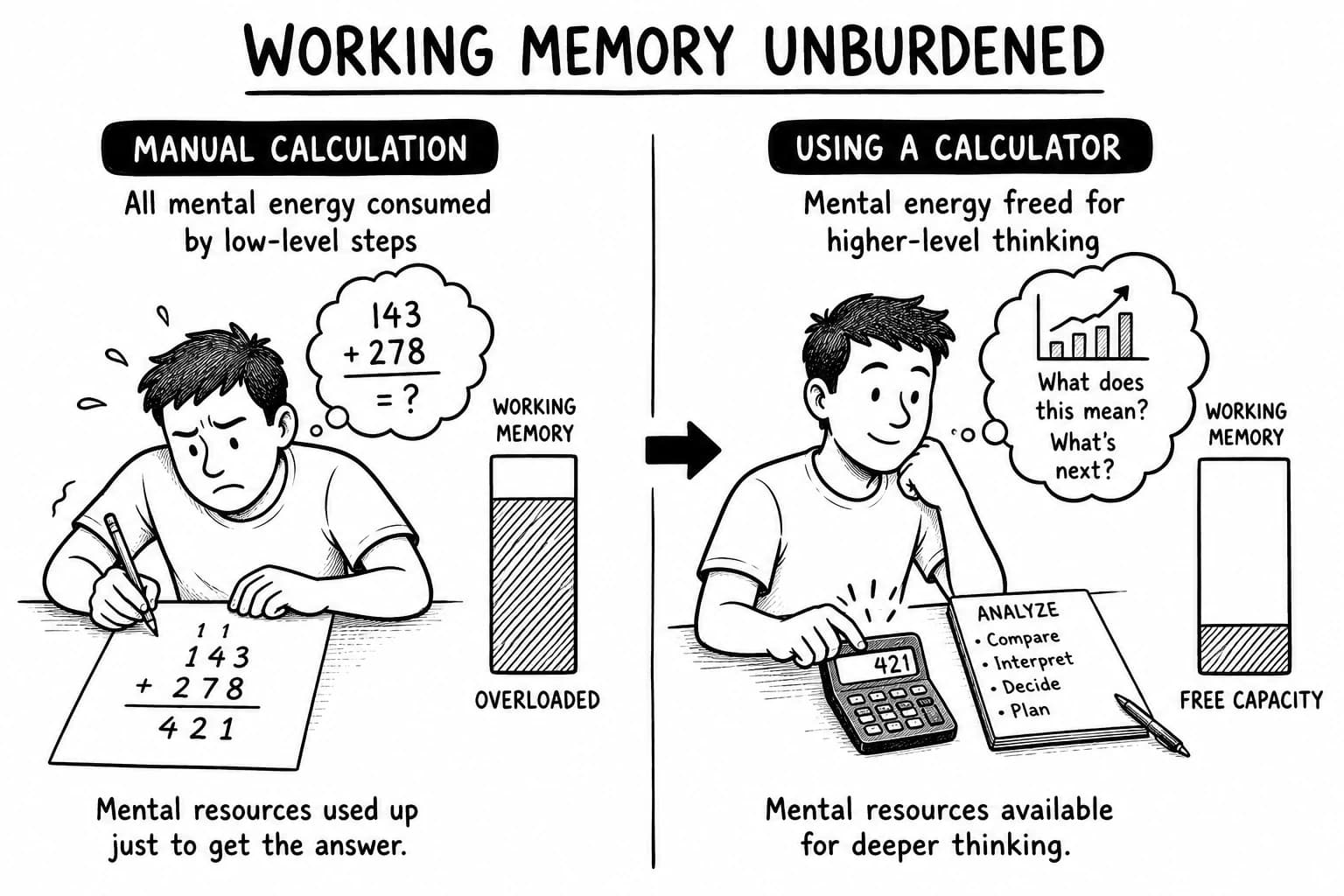
Watching a video can create a feeling of familiarity. Being able to explain or apply an idea from memory requires a different kind of practice.
Use a summary as the starting point for retrieval practice. Close the notes and answer questions such as:
- What are the three most important ideas?
- How would I explain this method to a colleague?
- Which step would I use first in a real task?
- What example from the course supports the main claim?
Roediger and Karpicke's research found that retrieval practice can improve long-term retention compared with repeated study in some learning conditions (2006 study). Make yourself recall the material, then use the notes to correct gaps.
Build a reusable reference
Course notes become more valuable when they are organized around the work you need to do. A course on prompt engineering might become a checklist for designing prompts. A data analytics course might become a workflow covering data preparation, exploration, modeling, and communication.
The useful unit is often the decision or procedure, not the number of minutes watched.
Connect lessons across courses
A course library can contain overlapping ideas explained in different contexts. Structured notes make those overlaps easier to spot: the same research method may appear in a writing course, an analytics course, and a management lesson.
Preserve course names, lesson references, and source links so your personal knowledge base remains verifiable.
How to Summarize LinkedIn Learning Courses with AI
1. Start with the course structure
Capture the course title, lesson titles, and any available table of contents. This provides an outline before you summarize individual lessons.
Keep the original organization visible. A single-page summary can hide important distinctions between introductory concepts, worked examples, and advanced material.
2. Get the source material
Use material you can access legitimately, such as available transcripts, captions, exercise files, your own notes, or text supplied with the course. LinkedIn Learning's interface and transcript options can vary by course, account, and platform, so check what is currently available to you.
Keep lesson boundaries and timestamps when possible. They make it easier to return to the original explanation and verify details.
Do not assume every course offers a downloadable transcript or that every AI tool can extract text directly from a video URL. A tool can summarize only the information it can access.
3. Summarize one lesson at a time
For each lesson, ask the AI to identify:
- The lesson's central claim or objective.
- The key concepts and their definitions.
- The steps in any demonstrated process.
- Examples that explain when a concept is useful.
- Limitations, exceptions, and cautions.
- Questions a learner should be able to answer afterward.
This structure preserves the lesson's logic. It helps distinguish a principle from an example or recommendation.
4. Create a course-level synthesis
Combine the lesson notes into a higher-level outline. Remove repetition, group related ideas, and make dependencies explicit.
For example, a data analytics course might organize its ideas around this sequence:
Define the question → prepare the data → explore patterns → build a model → communicate the result.
Ask the AI to flag disagreements or gaps between lesson summaries instead of silently smoothing them over. If two lessons use a term differently, inspect the source before deciding whether the difference is meaningful.
5. Check the summary against the course
AI summaries can omit caveats, confuse related terms, or invent details when the source is incomplete. Verify important claims against the transcript, lesson, or exercise file.
Give extra attention to:
- Numbers, formulas, and technical definitions.
- Software steps that depend on a particular version.
- Legal, financial, medical, or safety-related claims.
- Recommendations that the instructor qualifies with exceptions.
- Examples that appear to support a general rule.
Treat the summary as a navigation aid and working draft. The original lesson remains the authority for what the instructor actually said.
6. Convert notes into questions and actions
Add a short set of recall questions, one practical exercise, and a list of actions you can try.
For a course about generative AI, questions might include:
- What makes a prompt specific enough to evaluate?
- Which assumptions should be stated explicitly?
- How would I test whether the output meets the requirement?
- What would make the answer unreliable?
Answer from memory first, then use the notes to correct gaps. This turns a summary into a practical learning loop.
Use ChatGPT as a LinkedIn Learning Transcript Summarizer
ChatGPT can summarize text you provide, organize lesson notes, generate review questions, and turn a transcript into a structured outline. The workflow depends on the input format and the capabilities available in your account.
Use this reusable prompt:
Summarize the following LinkedIn Learning lesson for someone who wants to apply the material at work.
Preserve the instructor's important distinctions and caveats. Organize the result into:
- Main idea
- Key concepts and definitions
- Process or steps
- Concrete examples
- Common mistakes or limitations
- Five retrieval-practice questions
- One practical exercise
Do not invent details that are absent from the source. Mark unclear points for verification. Keep useful terminology and include timestamps if they are present.
Lesson transcript:
[Paste the transcript here.]
For a whole course, summarize each lesson first. Then submit the lesson summaries and ask for a course-level synthesis. This two-stage approach makes omissions easier to detect and preserves the course's structure.
Specify the intended use. A summary for an exam, a work project, and a five-minute refresher may require different levels of detail.
Create LinkedIn Learning Mind Maps from Course Notes
A mind map can make a course easier to navigate when the material contains connected concepts, categories, or processes. It places a central topic in the middle and branches out into related ideas.
For example, notes from a generative AI course could form branches for prompt design, context, evaluation, limitations, and responsible use. Sub-branches can hold definitions, examples, and questions.
A good map exposes relationships. It should show which ideas depend on others, where categories overlap, and how a principle affects a practical decision. If every bullet point becomes a colorful bubble, the result is a decorated list.
Where y2map fits
y2map can help turn structured learning material into a visual knowledge map. Use available course text or notes as the source, organize the main concepts, and inspect how the pieces fit together.
The division of labor is straightforward:
- AI summary: Condenses the source.
- Structured notes: Preserve definitions, examples, and steps.
- Mind map: Makes relationships and hierarchy easier to inspect.
- Recall questions: Test what you can retrieve without looking.
- Practice: Checks whether you can use the idea in a real situation.
A visual map is most useful when it answers a question: How does this idea connect to the others? For a simple checklist, a checklist is probably enough.
LinkedIn Learning Summary AI: Which Workflow Should You Choose?
| Workflow | Best for | Main limitation |
|---|---|---|
| Course outline and personal notes | Quick overview and orientation | Limited detail if notes are sparse |
| Transcript plus ChatGPT | Lesson summaries, explanations, and review questions | Requires accessible source text and verification |
| NotebookLM with supported source material | Asking questions across a set of supplied sources | Capabilities depend on supported source types and current product features |
| Structured notes plus a mind map | Seeing hierarchy, dependencies, and connections | Maps can become cluttered if every detail receives equal weight |
| Summary plus retrieval practice | Remembering and applying key concepts | Requires active review and practice |
There is no universal winner. Choose the simplest workflow that matches the learning task and the material you can access.
For a quick refresher, a short outline may be sufficient. For a technical process, keep the steps and source references. For connections across a course, add a mind map. When retention matters, include retrieval practice.
Common Mistakes When Using an AI Course Notes Generator
Summarizing material the AI has not seen
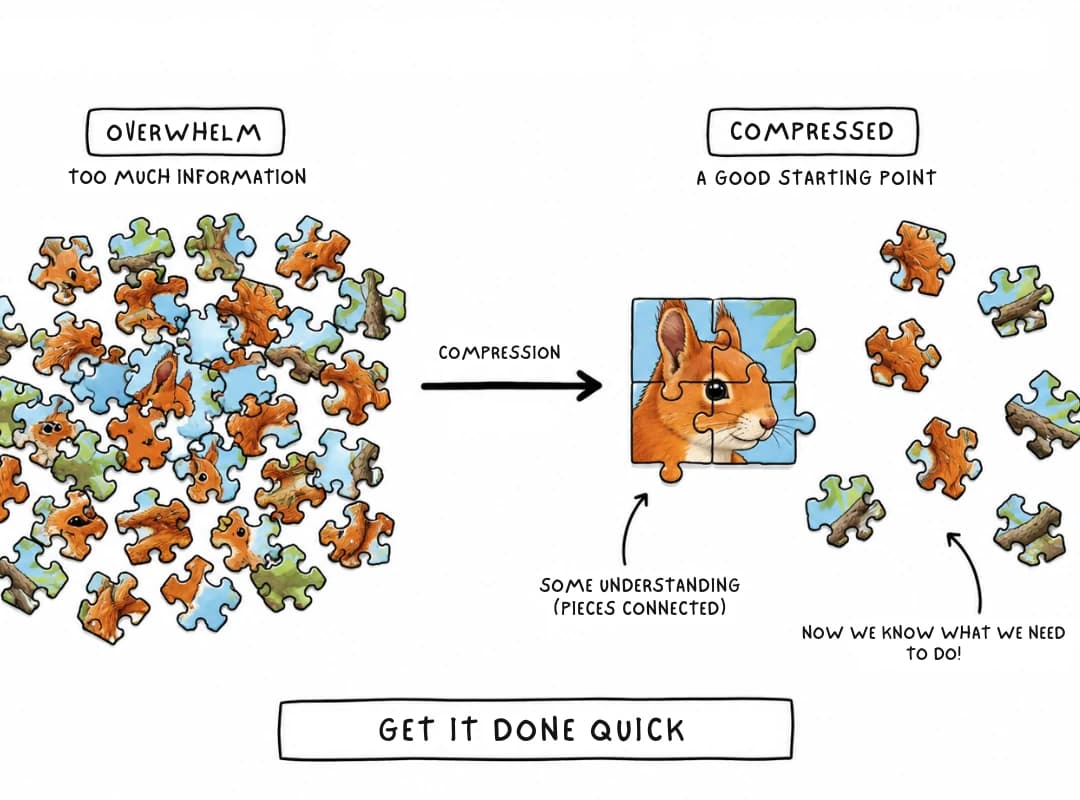
A course title is not a transcript. When the source is incomplete, the output may be generic or inaccurate. Supply the relevant text and ask the system to identify missing information.
Compressing away the examples
Examples often explain when a rule applies. Preserve at least one representative example for each important concept, especially when the course teaches a procedure or decision.
Treating a certificate as proof of mastery
A completion certificate records completion according to the platform's requirements. It does not, by itself, demonstrate that you can recall the material or use it independently. Apply the skill in a small project and keep the result as evidence of what you can do.
Making notes too long to review
If the summary recreates the course word for word, it has changed the storage location without solving the retrieval problem. Keep the main summary short, with detailed notes and timestamps available when needed.
Trusting a beautiful mind map
Visual structure can make errors look authoritative. Check terminology, arrows, categories, and causal relationships against the source. A tidy diagram can still be wrong.
Frequently Asked Questions
Can AI summarize LinkedIn Learning courses?
Yes, when the AI tool can access course material such as a transcript, captions, notes, or supplied documents. The exact workflow depends on the available material and the tool's supported inputs.
How do I summarize a LinkedIn Learning course with ChatGPT?
Obtain text you are permitted to use, divide long courses by lesson, and ask ChatGPT to extract the main ideas, definitions, steps, examples, and caveats. Combine the lesson summaries afterward, then verify important details against the original material.
Can I summarize a LinkedIn Learning video from its URL?
Do not assume a URL alone is sufficient. Access to the video, transcript, or captions depends on the platform and tool. If direct access is unavailable, provide accessible transcript text or your own notes.
Can AI generate notes for an entire course?
It can synthesize a collection of lesson transcripts or notes. For a long course, summarizing lessons separately and combining them in a second pass usually makes the result easier to check and navigate.
Are AI-generated course summaries accurate?
They can be useful, but accuracy depends on source quality and how the model handles it. Verify technical details, numbers, software instructions, and claims with meaningful consequences. Ask the AI to mark uncertainty instead of filling gaps with guesses.
Is a mind map better than written notes?
They serve different purposes. Written notes support detail, definitions, and sequential instructions. Mind maps help show hierarchy and relationships. Many learners benefit from using both, then testing their understanding with questions.
Do course summaries replace taking a course?
No. Summaries support review and make key information easier to find. They cannot guarantee the understanding gained from demonstrations, exercises, feedback, or hands-on practice.
How can I remember what I learn from LinkedIn Learning?
Use a short summary, answer recall questions without looking, revisit weak areas, and apply the skill to a realistic task. Space review over time instead of relying on one long rereading session.
Turn Course Watching into Useful Knowledge
A course is valuable when its ideas remain available after the video ends. Start with accessible source material, summarize lesson by lesson, verify the details, and organize the results around the decisions or skills you need to use.
Then close the notes and test yourself. Build a mind map when relationships matter. Keep examples when context matters. Practice when performance matters.
The completion badge may sit on your profile. The real return is having the knowledge ready when the work begins.