What Is a Cognitive Artifact?
Part of the research library
Cognitive artifacts are tools or representations that help people think by storing, displaying, organizing, or manipulating information outside the mind. They include maps, calendars, diagrams, checklists, spreadsheets, written notes, concept maps, and AI-generated mind maps.
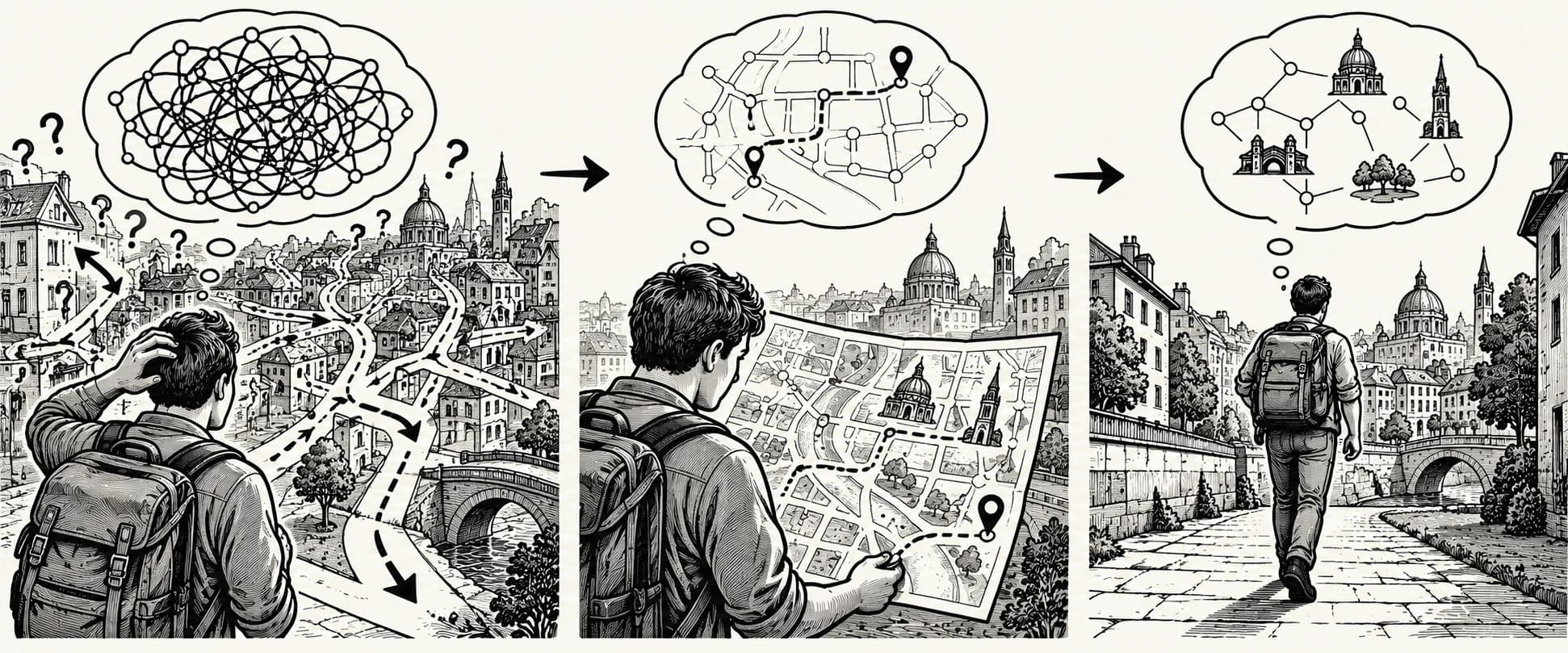
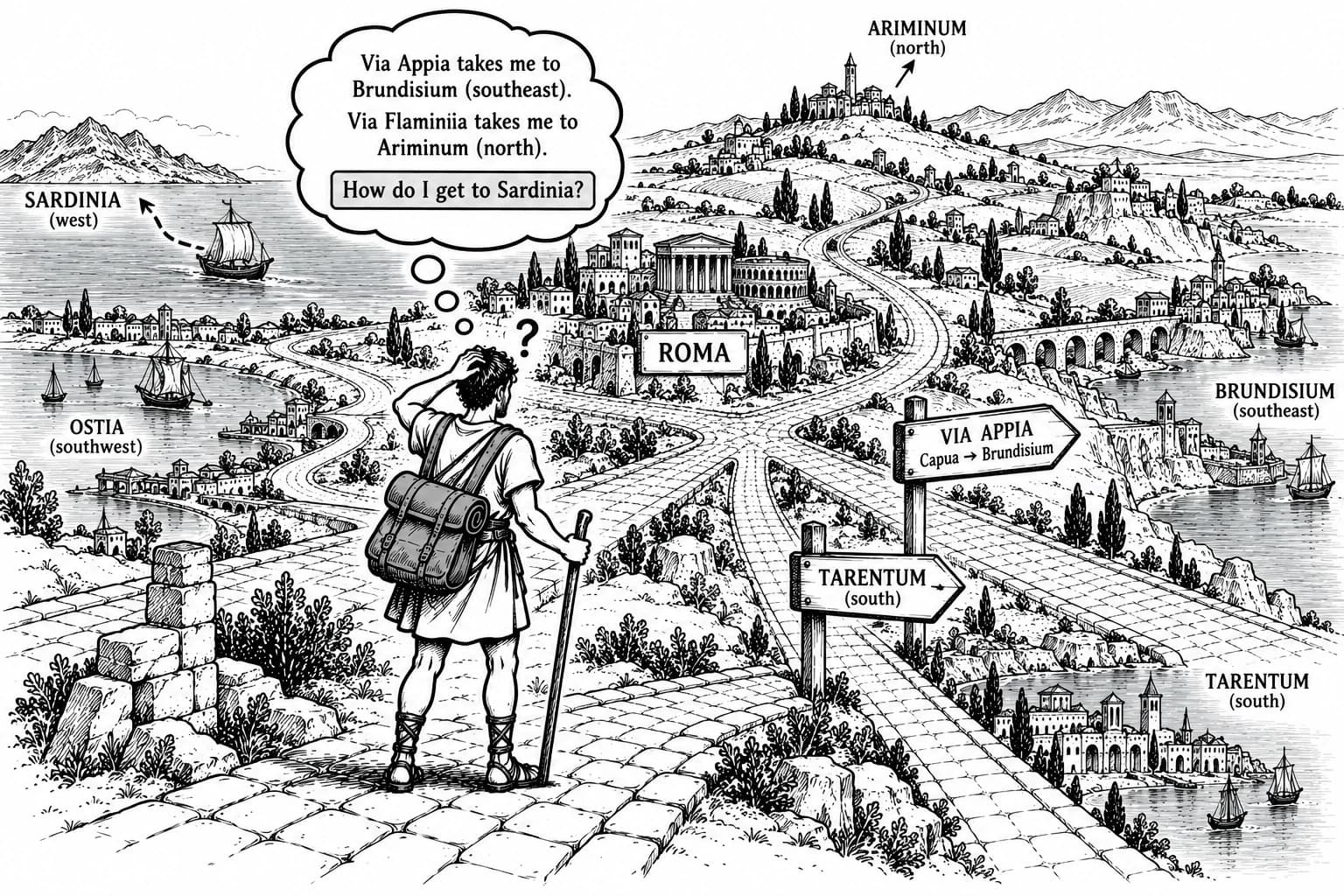
A paper map, for example, lets a traveler inspect several routes at once instead of remembering each turn and comparing routes mentally. A spreadsheet makes numerical relationships visible. A checklist preserves a sequence of steps that might otherwise be forgotten. These artifacts do not remove the need for judgment; they change which parts of a task must be performed mentally and which can be handled by the representation.
What Are Examples of Cognitive Artifacts?
Maps, diagrams, lists, and calendars
Instruments, interfaces, and external representations
Concept maps and mind maps as thinking tools
| Artifact | What it makes easier | A useful example |
|---|---|---|
| Map or route diagram | Spatial orientation and route comparison | Comparing two ways to reach a destination |
| Checklist | Remembering and sequencing steps | Completing a repeatable procedure |
| Table or spreadsheet | Comparing values and tracking changes | Evaluating options against shared criteria |
| Chart or data visualization | Detecting patterns and differences | Comparing trends across months |
| Concept map or mind map | Seeing concepts and their relationships | Previewing the structure of a research paper |
| Glossary | Interpreting unfamiliar terminology | Learning key terms before a technical chapter |
| Calendar or timeline | Coordinating events and dependencies | Planning milestones for a project |
| AI summary or knowledge map | Navigating a large source quickly | Finding the main claims to verify in a long report |
The format should follow the thinking task. Use a timeline when order matters, a comparison table when alternatives matter, a flowchart when decisions branch, and a concept map when relationships among ideas are central. A visually attractive diagram is not automatically a good cognitive artifact: it must preserve the information needed for the intended task.
How Did Donald Norman Explain Cognitive Artifacts?
Explain Norman’s work on external representations
Donald Norman (1991) popularized the term cognitive artifacts in his work on how designed objects affect thought and action, elaborated in Things That Make Us Smart (1993). The key point is not that every tool makes thinking easier. It is that the way information is represented can change the reasoning a person can perform. A useful representation makes relevant information easier to find, compare, or act on. A poor one can hide relationships, introduce ambiguity, or create more work than it saves.
Describe how artifacts change the structure of a task
A checklist changes a task by preserving the sequence of actions; a chart changes it by making comparisons visible; and a map changes it by displaying several routes at once. The representation determines which information can be inspected directly and which judgments still require the user.
Connect artifact design with human-computer interaction
In human-computer interaction, labels, layout, feedback, and visible system state affect how people interpret an interface and decide what to do next. A well-designed interface makes relevant information easy to locate and actions easier to interpret. Poorly designed representations can obscure important details or encourage mistaken conclusions.
How Do Cognitive Artifacts Support Thinking?
Reduce memory demands through external representation
Cognitive artifacts can support thinking in several related ways:
- Externalize information. Notes, diagrams, and reminders keep details available without requiring continuous mental rehearsal.
- Make relationships visible. A map or diagram can show connections, hierarchy, sequence, or contrast that would be harder to infer from a list of facts.
- Support comparison. Tables and charts place alternatives side by side so people can detect differences and patterns.
- Guide action. Checklists, flowcharts, and procedures help people follow a sequence or decide what to do next.
- Enable experimentation. Manipulating a model, sketch, or diagram can help a person test a possibility and notice consequences.
These functions overlap. A concept map, for instance, may store information, show relationships, and help a learner identify a missing link. Whether it improves performance depends on the task, the learner, and the quality of the representation. Offloading information can reduce the immediate burden of remembering it, but it does not guarantee that the person will later recall or apply it independently. Use a timeline when order matters, a comparison table when alternatives matter, a flowchart when decisions branch, and a concept map when relationships among ideas are central. A visually attractive diagram is not automatically a good cognitive artifact: it must preserve the information needed for the intended task.
Connect cognitive artifacts to distributed cognition
Distributed cognition describes how thinking can be spread across people, tools, representations, and an environment. A cognitive artifact is one part of such a system.
Consider an aircraft crew using instruments, procedures, displays, and communication to monitor a changing situation. No single person needs to hold every reading and procedure in memory at once; the system makes information available across people and tools. The same principle appears in everyday work when a team uses shared documents, dashboards, and checklists.
The distinction is useful: cognitive artifact names a tool or representation that supports thinking, while distributed cognition describes the larger system in which information and cognitive work move among people and artifacts. See distributed cognition for the broader framework.
What Makes a Cognitive Artifact Effective?
Good design starts with the operation the user needs to perform, not with a desire to display everything.
1. Represent the right relationships
A concept map should distinguish a cause from an example, a prerequisite from a consequence, and a broad category from one of its members. If lines and labels imply relationships that the source does not support, the artifact may make misunderstanding more memorable rather than prevent it.
2. Use an appropriate level of detail
Too little detail leaves the user guessing; too much forces them to search through clutter. Start with the structure needed for the current task and place supporting details in a secondary layer when possible. There is no universal ideal number of nodes or labels: the right level depends on topic complexity, display size, and prior knowledge.
3. Make labels and conventions interpretable
Use clear labels, consistent symbols, and an obvious hierarchy. Familiar conventions can reduce the effort required to decode a representation, but symbols should not be assumed to be universal. Test whether a reader can interpret the diagram without having its designer explain it.
4. Keep important information easy to locate
Stable placement, descriptive headings, and predictable organization reduce the need to reconstruct context. This is especially important for dashboards, reference documents, and workflows that people revisit over time.
5. Match the artifact to the user and task
A beginner may need definitions, examples, and explicit links between concepts. Someone already familiar with the subject may prefer a compact overview or the ability to inspect exceptions. Excessive guidance can become redundant for experienced users, while a highly compressed artifact may be opaque to novices. This resembles the expertise reversal effect: the usefulness of support can change as knowledge grows.
Cognitive artifact, tool, or scaffold: what is the difference?
These terms describe different aspects of a learning or work environment, and they can overlap.
- Tool: Something used to perform an activity. A calculator is a tool for computation.
- Cognitive artifact: A tool or representation that specifically supports cognitive work by storing, displaying, or manipulating information. A calculator display or a worked calculation can serve this role.
- Scaffold: Temporary support designed to help someone perform a task they cannot yet manage independently. A worked example may be a scaffold when it guides a novice and is gradually withdrawn as competence develops.
A mind map can be both a cognitive artifact and a scaffold. It is an artifact because it externalizes conceptual relationships; it acts as a scaffold when it helps a learner understand material before they can reconstruct the relationships independently. See scaffolding in education.
How Do Cognitive Artifacts Relate to AI?
Use AI-generated maps and summaries as external representations
An AI-generated mind map is useful when its structure helps a learner navigate source material—not merely when it condenses the source into fewer words. A practical map should usually make the central question or topic clear, group related ideas, label important relationships, and separate essential concepts from examples or supporting detail.
For a complex subject, use layers rather than forcing every detail onto one canvas:
- Overview: The central question, major branches, and relationships among them.
- Explanations: Definitions, evidence, examples, and qualifications attached to relevant concepts.
- Source detail: Citations or links that let the reader check claims against the original material.
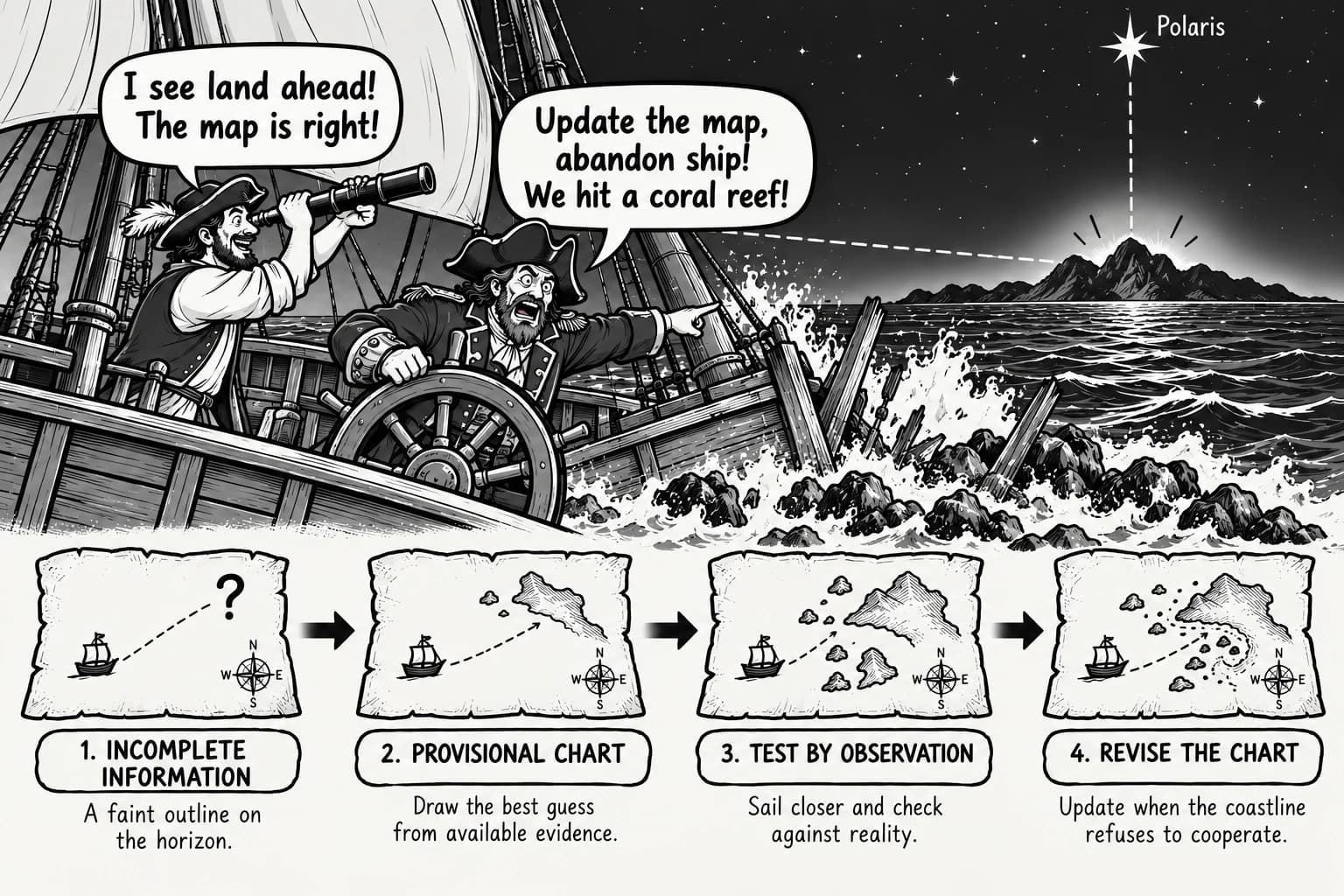
Review the map for omissions, invented links, misleading hierarchy, and distinctions that have been flattened. AI may generate a plausible-looking structure while misrepresenting the source. Treat the result as a navigational aid to inspect, not as an authoritative substitute for reading.
Keep source checking and judgment visible
AI-generated maps should be checked against the original material for omissions, invented links, misleading hierarchy, and flattened distinctions. Treat the result as a navigational aid to inspect, not as an authoritative substitute for reading.
Evaluate how tools redistribute cognitive work
AI can make a first-pass representation quicker to produce, while the learner still needs to evaluate its accuracy and decide what matters. Production speed and visual polish do not establish learning; check comprehension, delayed retention, and independent application.
What Are the Benefits and Limitations of Cognitive Artifacts?
Benefits: externalize information and make relationships visible
Cognitive artifacts can make complex information easier to inspect, compare, and act on. Their value depends on the task, the learner, and the quality of the representation.
Limitations: avoid replacing the thinking learners need to develop
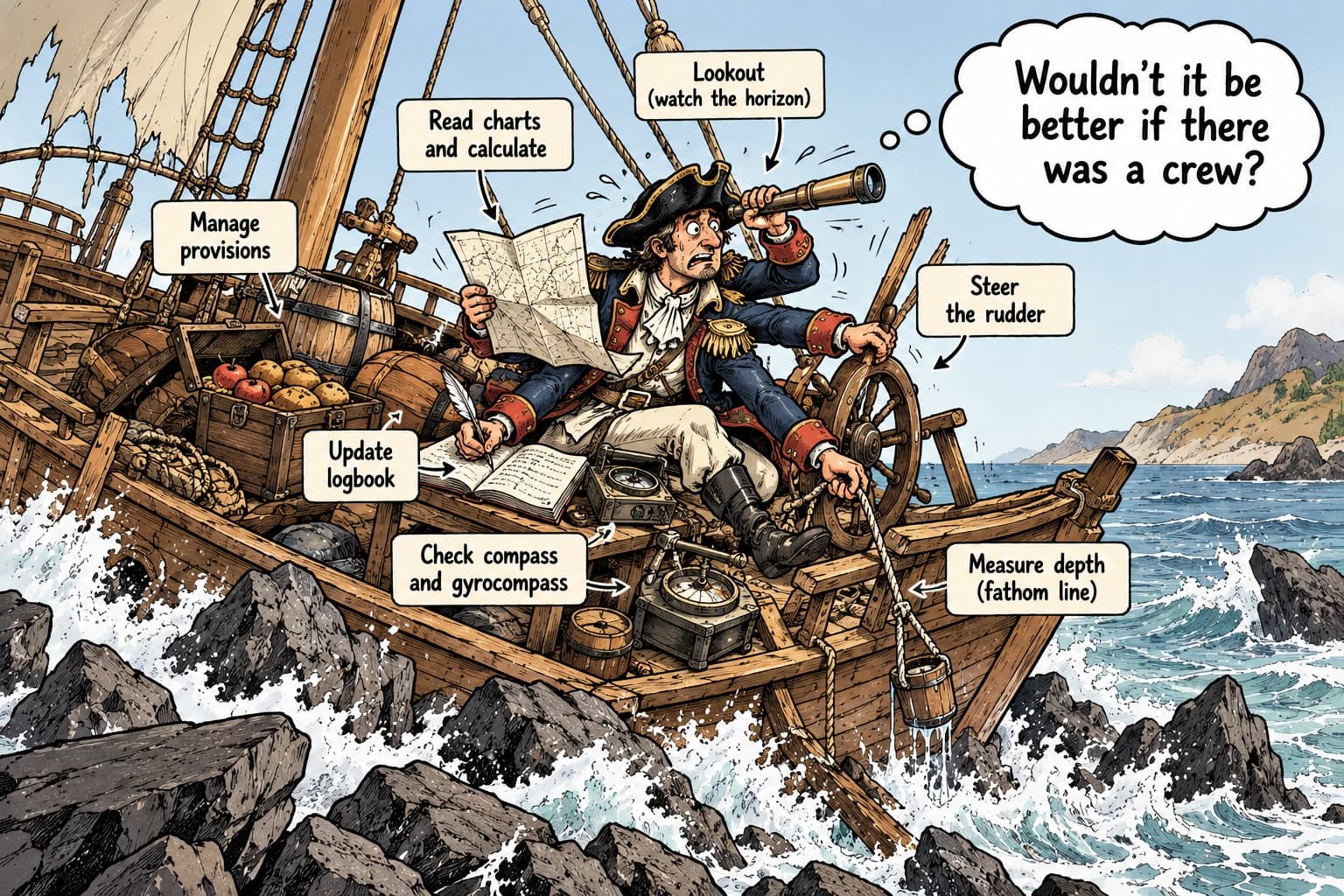
External support can become a problem when it replaces the very thinking a learner needs to develop. Copying a map may create familiarity without the ability to explain its relationships. Relying on a summary may leave out qualifications or evidence that matter. A dashboard can also direct attention toward what is easy to measure rather than what matters for the decision.
The risk is not that using external tools inevitably damages memory. It is that access to information and mastery of information are different outcomes. As described in How Do Cognitive Artifacts Support Thinking?, offloading reduces the immediate burden of remembering without guaranteeing later recall — the map must be closed and reconstructed to test mastery. A balanced workflow alternates between supported and unsupported work:
- Inspect the map, notes, or explanation.
- Close the artifact and explain the main ideas in your own words.
- Reconstruct the key relationships from memory.
- Check the reconstruction against the source and correct errors.
- Apply the ideas to a new example or problem.
- Revisit the material after a delay to check what remains accessible.
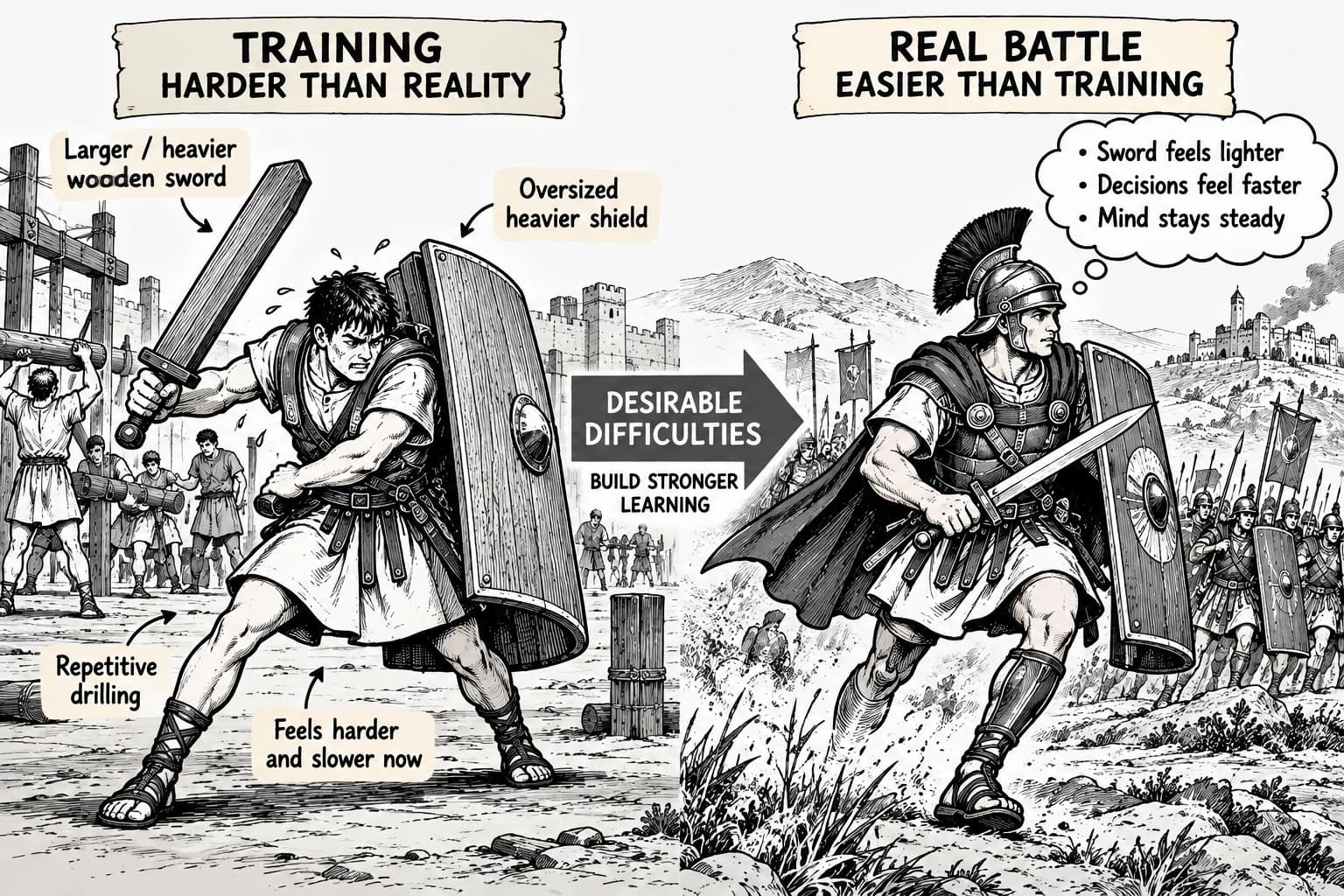
This approach pairs external representations with retrieval practice. The aim is not to abandon useful tools, but to build the ability to reason both with them and when they are unavailable.
How Are Cognitive Artifacts Used in Education?
Use diagrams to organize complex knowledge
For a lecture, research paper, or technical chapter, begin by identifying the question the material answers. Build or inspect a concept map that shows the main claims, supporting ideas, and important relationships. Check each relationship against the source instead of accepting it because the diagram looks coherent.
Support collaborative thinking with shared representations
A shared map or document can give a group a common reference point for comparing interpretations, identifying gaps, and recording decisions. Participants still need to explain and challenge the relationships shown.
Design artifacts that guide attention and problem-solving
Then use the map actively. Explain why two concepts are connected, identify a missing step in an argument, compare competing explanations, or predict what should happen if one condition changes. These actions make the artifact part of reasoning rather than a decorative summary.
Finally, reduce dependence on the map. Hide it and reproduce the core structure from memory, then compare your version with the original. As described in What Are the Benefits and Limitations of Cognitive Artifacts?, the balanced workflow alternates supported inspection with unsupported reconstruction and application.
How Y2Map fits into this workflow
Y2Map can turn source material into a visual map that helps readers orient themselves before working through a lecture or document. That map is best treated as a first draft of the source's structure. Learners should verify key claims, correct relationships that are unclear or inaccurate, and use the map to guide deeper reading.
A simple workflow is to generate a map, check it against the source, annotate confusing relationships, and then try to redraw or explain the structure without looking. The map supports orientation and review; retrieval and application help test whether understanding has developed. This complements advance organizers, which provide a framework before detailed learning begins, and concept mapping, which focuses on representing relationships among ideas.
Practical Principle
Cognitive artifacts improve the conditions for thinking when they make relevant information easier to see, compare, remember, or act on. Their value depends on fit: the representation must preserve the right relationships, show an appropriate amount of detail, and support the operation the user needs to perform.
Use external tools to make complexity inspectable. Then test understanding by explaining, reconstructing, and applying what the artifact represents. The goal is not to move all thinking outside the mind; it is to use the environment intelligently so that more attention can go toward judgment and learning.
Frequently Asked Questions
What is a cognitive artifact in psychology?
A cognitive artifact is a tool or representation that stores, displays, organizes, or manipulates information to support cognitive work. Examples include maps, diagrams, checklists, spreadsheets, concept maps, and AI-generated learning maps.
What are examples of cognitive artifacts?
Examples include route maps, calendars, checklists, tables, charts, written notes, concept maps, mind maps, dashboards, and summaries. The useful format depends on the task.
What is the relationship between cognitive artifacts and distributed cognition?
A cognitive artifact is an individual tool or representation. Distributed cognition describes a larger system in which cognitive work is coordinated across people, artifacts, and environments.
How do cognitive artifacts reduce memory load?
They keep information available outside the mind and make some relationships directly visible. This can reduce immediate demands on working memory, but it does not guarantee that information will be remembered or applied independently later.
What did Donald Norman contribute to cognitive artifact theory?
Norman popularized the term and examined how designed objects and external representations affect thought and action, including in Things That Make Us Smart (1993).
References
- Norman, D. A. (1991). Cognitive artifacts. In J. M. Carroll (Ed.), Designing Interaction: Psychology at the Human-Computer Interface (pp. 17–38). Cambridge University Press. https://hci.ucsd.edu/10/readings/norman_cognitiveartifacts.pdf
- Norman, D. A. (1993). Things That Make Us Smart: Defending Human Attributes in the Age of the Machine. Reading, MA: Addison-Wesley. cited as secondary source — verify.
Synthesis: Cognitive Artifacts through the Astrolabe
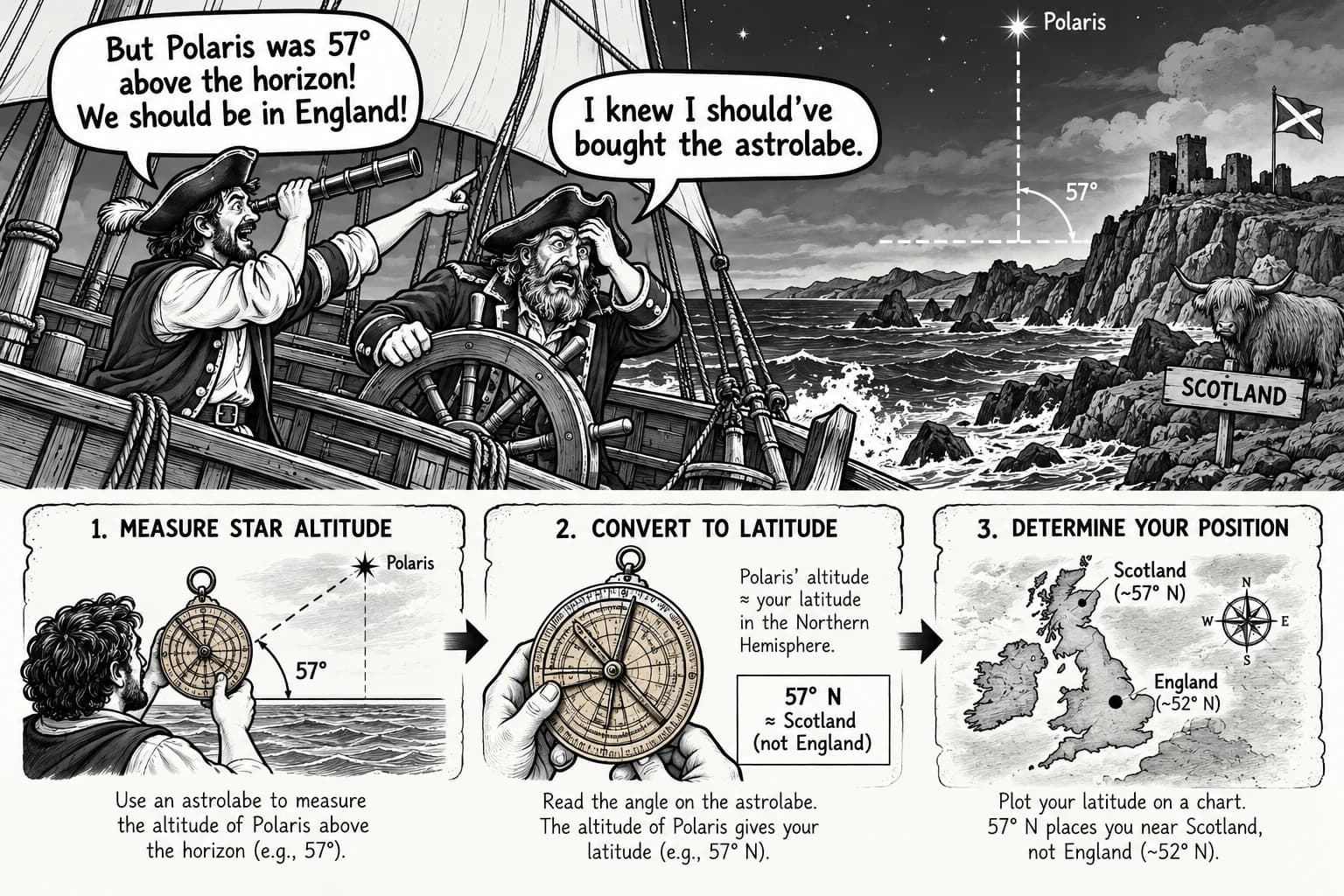
Like an astrolabe, a cognitive artifact does not sail the ship; it holds the heavens still enough to read. Maps, tables, checklists, and diagrams externalize positions — routes, values, steps, claims — so judgment can work on visible relations instead of rehearsed memory. A well-cut instrument fits its task: it preserves true bearings, hides nothing essential, and matches the navigator's skill. Misread or overloaded, it misleads like a warped dial. Hence the discipline is twofold: craft representations that make the right comparison easy, then close the instrument and reconstruct the reading from memory, confirming that understanding survives when the brass is put away. Used this way, the artifact extends reach without replacing seamanship — the learner remains the navigator, and the tool remains an aid to clearer sight, comparison, and choice.